

How to Create a Business Blog Outline That Keeps Readers Moving
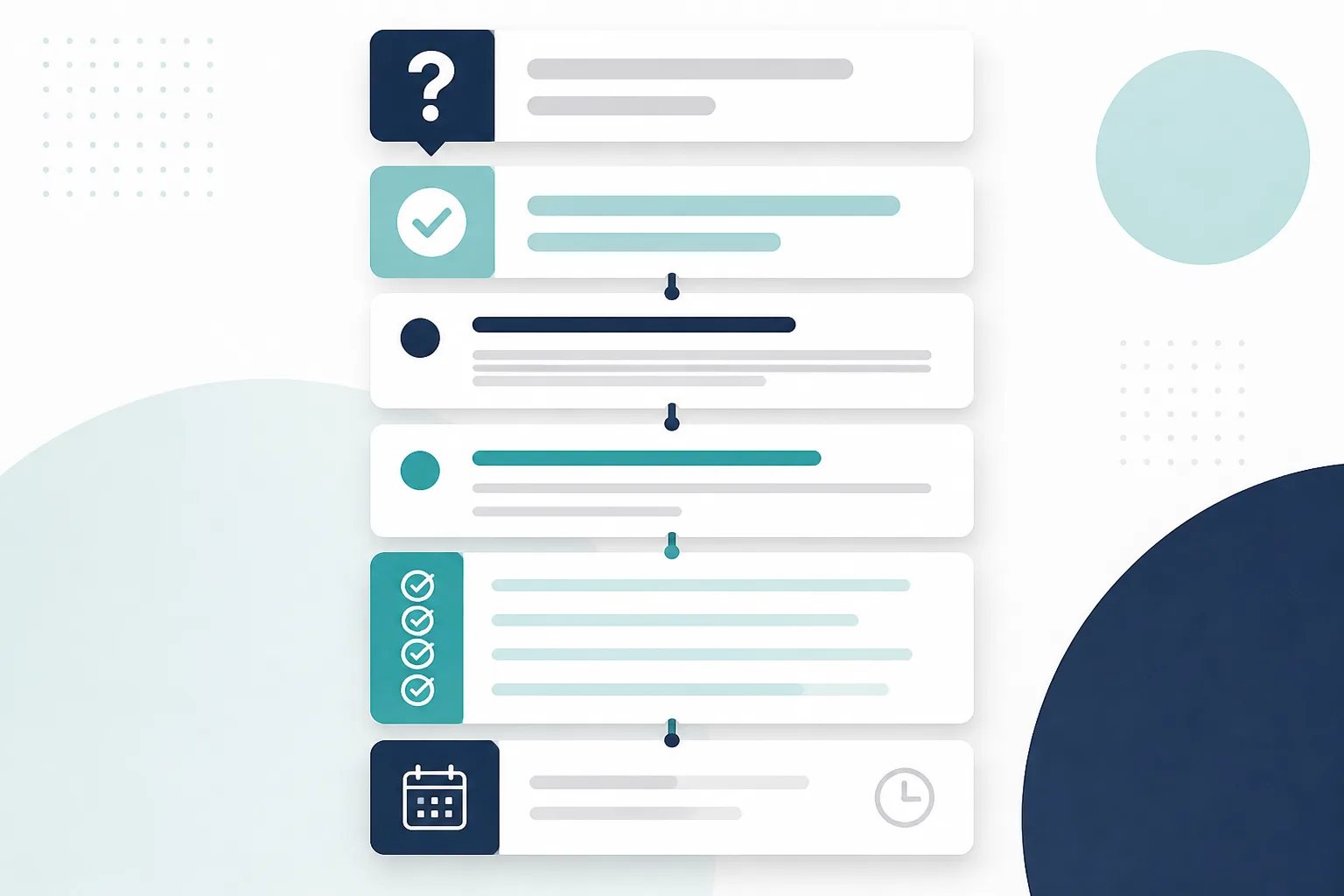
To create a business blog outline that readers will actually use, start with one customer question, give the core answer near the beginning, and assign every remaining section a specific job. The result is not just a more organized draft. It is a page that helps readers move from a question to a decision without searching through broad background information or repeated points.
A topic such as “content structure” is too broad to outline on its own. A better starting point is a task: deciding between two options, preparing for a service, understanding an unfamiliar term, or knowing what to check before making contact. That task tells you what belongs in the article and what does not.
Begin with the outcome the reader needs
Before writing headings, finish this sentence: “After reading this article, the reader should be able to…” Keep the outcome concrete. For example, a business might want a reader to know what information to gather before an estimate, how to compare two materials, or which maintenance signs deserve attention.
This outcome is the boundary for the entire outline. If a section does not help the reader reach it, remove it, save it for another post, or turn it into a brief example only if it genuinely clarifies the answer.
It also prevents a common problem: treating a broad industry topic as if it were a customer question. An article about “plumbing” could become dozens of different pages. An article about what to document before requesting a leak assessment has a clear purpose, a logical sequence, and a useful finish.
Write the answer before you write the sections
A strong opening does not need to explain every exception. It should answer the central question in plain language and name the factor that changes the answer. For a comparison, that might be intended use, current condition, upkeep, timing, or budget. For a preparation guide, it is often the first action a reader should take.
Writing this answer before the outline makes weak sections easier to spot. If the opening says the choice depends on durability, maintenance, and how the item will be used, the next headings should explain those factors. A long company history or a list of unrelated services would pull the page away from its promise.
Keep the title, opening, and conclusion aligned. A reader should not arrive for a preparation guide and find a general overview with one short preparation paragraph buried near the end.
Map the questions that naturally come next
After the direct answer, readers usually need a small number of follow-up answers before they can act. The right questions depend on the topic, but they often fall into a useful sequence:
- Does this apply to me? Define the situation, audience, or scope.
- What changes the answer? Explain the conditions, goals, constraints, or tradeoffs that matter.
- What should I do with this information? Provide practical steps, a comparison, questions to ask, or a concise checklist.
- What is the logical next resource? Link only to a page that fills a real remaining need.
These are planning prompts, not a formula. A short explainer may only need a definition and a few examples. A detailed comparison may need separate sections for each option before a final decision guide. What matters is that each section advances the reader’s understanding instead of restating the same conclusion.
How to create a business blog outline with a job for every H2
Use H2 headings for the major stages of the answer. Each one should be specific enough that a reader scanning the page can understand what they will learn next. Vague labels such as “More to consider” or “Additional information” do not provide useful navigation and make it harder to edit a drifting section.
A helpful test is to write a one-line job description beneath each proposed heading. If two headings have the same job, combine them. If a heading has no clear job, it probably does not belong.
For example, an outline for a comparison might have these distinct jobs:
- State the main difference and the factor that determines the choice.
- Explain the practical conditions that favor one option or the other.
- Compare ongoing responsibilities or limitations.
- Give readers questions to use before deciding.
Use H3 headings only when an H2 contains closely related points that need separation. In a typical WordPress post, the title already serves as the main page heading, so body sections generally begin at H2. Our guide on formatting an article for WordPress explains how that hierarchy supports a cleaner publishing workflow.
Choose a format that helps readers use the answer
Structure is not only headings. Paragraphs, bullets, numbered steps, and tables affect whether the information is easy to understand.
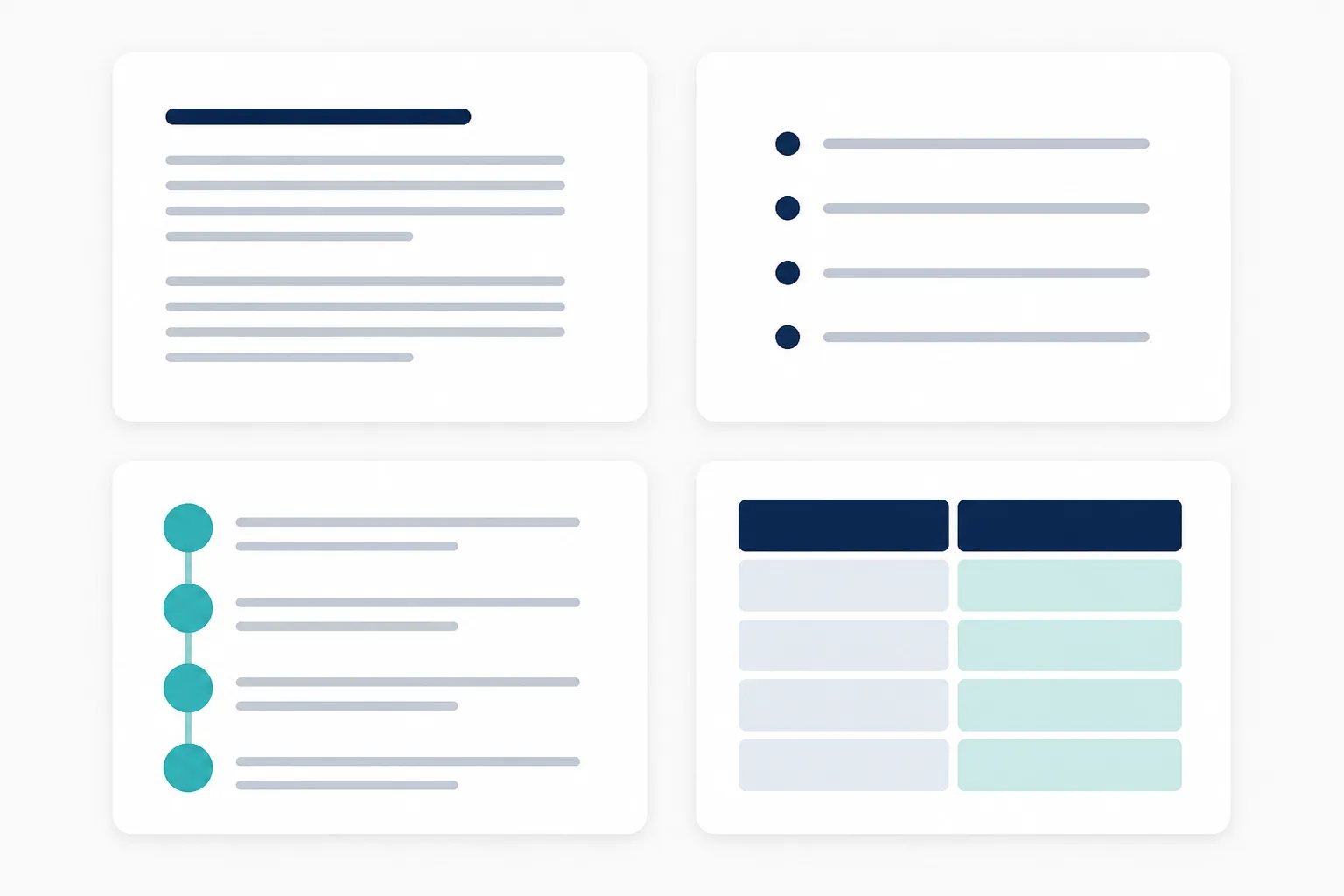
| When the reader needs to… | Use… |
|---|---|
| Follow actions in a necessary order | A numbered list |
| Review related considerations | A short bullet list |
| Compare options on the same criteria | A compact table |
| Understand one concept or explanation | Short paragraphs with descriptive headings |
Do not add a table merely because an article looks more substantial with one. Tables earn their space when they reveal a real side-by-side difference. Likewise, a checklist should make an action easier to complete, not repeat ideas already explained in nearby paragraphs.
Outline safeguard
A polished structure cannot make an unverified claim accurate
Use the outline to identify where verified business details are required. General explanations can guide readers, but statements about your own services, policies, timing, prices, or results need confirmation before publication.
Use keywords to keep the outline focused, not repetitive
A search phrase should describe the page’s subject, but it should not dictate every heading. Place the main phrase or a natural variation where it helps readers identify the topic, such as the title, opening, slug, meta description, and one relevant heading. Then use the language required to answer the question well.
For example, a decision guide may naturally discuss timing, compatibility, maintenance, budget drivers, limitations, and questions to ask. Those are useful because they explain the decision. Repeating one exact phrase in each subheading does not add coverage or clarity.
When an outline feels forced into several nearly identical sections, the issue is usually not a shortage of keyword variations. It is that the reader’s task has not been defined narrowly enough. Refine the question, then rebuild the outline around its real decision points.
Check facts, links, and the publishing package before drafting
An outline can identify where business-specific details will be needed, but it should not fill gaps with assumptions. Mark any statement about services, products, locations, methods, prices, policies, availability, qualifications, or results for verification before it appears in a published draft. General educational guidance can be useful, but it must not become an unconfirmed promise about your business.
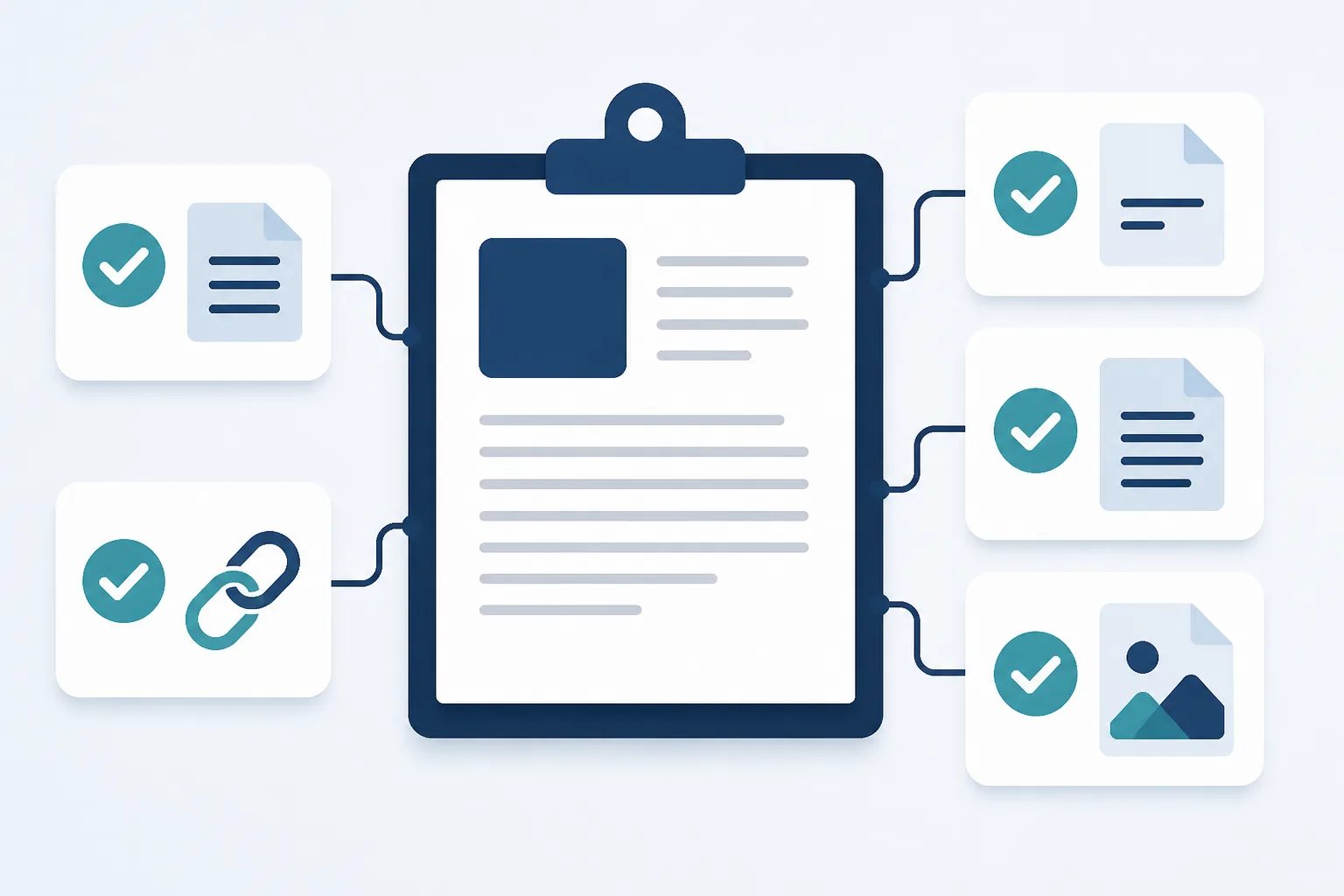
Internal links need the same discipline. Add one only when it answers a reasonable next question. Descriptive anchor text helps readers decide whether to follow it, while a vague link or an unrelated destination interrupts the path through the article. For a fuller review pass after drafting, see our guide on reviewing an AI-written article before publishing.
Outline check
Six checks before you draft the article
Run through this short check after outlining and before expanding each section into paragraphs.
- State the one customer question the article will answer.
- Write the direct answer readers should find in the opening.
- Confirm every H2 addresses a different follow-up question.
- Remove background information that does not help the reader act or decide.
- Match lists, steps, and tables to the information readers need to use.
- Flag every business-specific claim for fact checking before publication.
Finally, prepare the publishing details alongside the draft: title, slug, meta description, excerpt, image direction, alternative text, and any categories or tags your site uses. These details should describe the same focused question as the body copy. Our overview of WordPress-ready content explains why this preparation reduces cleanup in the editor.
A focused outline gives the draft a better starting point
A useful business blog post does not need to explain an entire industry. It needs to answer one worthwhile question, explain the factors that affect the answer, and give readers a sensible next step. Start with the reader’s outcome, make each heading earn its place, and leave unsupported business claims out until they are verified.
At Gordon, we turn the business details, writing style, approved pages, and call to action you provide into WordPress-ready article drafts for your review. You remain in control of what is edited, scheduled, or published.
Helpful answers
Frequently Asked Questions
Turn a customer question into a focused draft
Create a structured WordPress-ready article with a clear reader outcome and publishing details prepared for review.