

Your business has something to say. Gordon writes it.
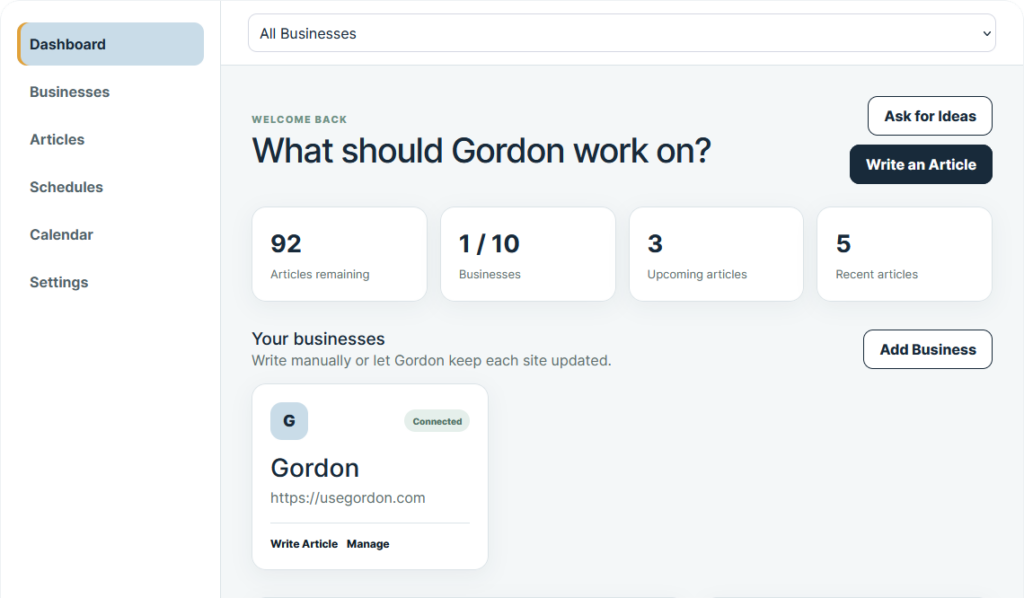
Built Around Your Business
Gordon remembers your services, locations and calls to action so every articles reflects what makes you unique.
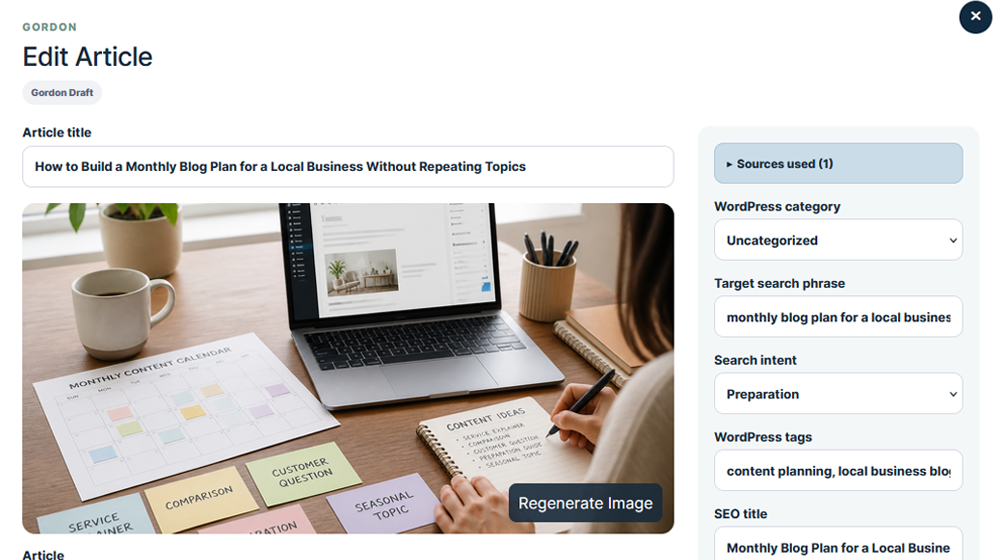
WordPress-Ready Articles
Every ready to publish article includes formatting, headings, metadata, featured images and more.
Built for Search & AI
SEO, GEO and AEO best practices help search engines and AI platforms understand your content.
You Stay in Control
Review, edit and refine with ease. Save drafts, schedule posts or publish whenever you’re ready.

YOUR AI WRITER
Gordon gets to know your business.
You share your business information once and Gordon uses it to write relevant, helpful articles your customers actually want to read. No generic content. No endless rewrites.
- Your services and products
- The cities you service
- Your preferred call to action
- Your writing style
Meet Gordon
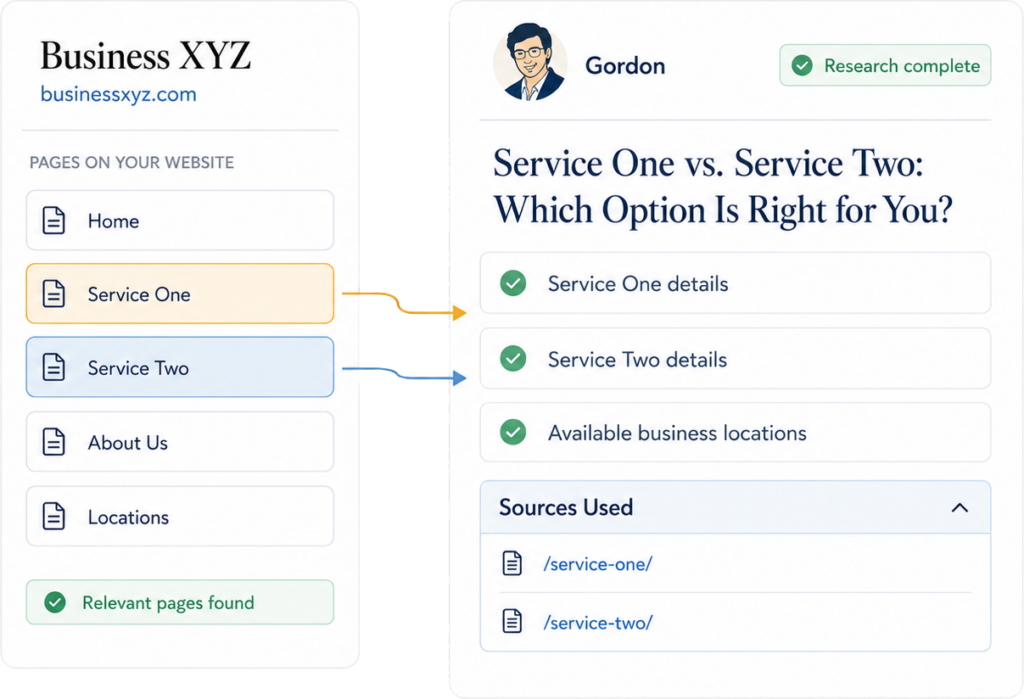
Gordon doesn't guess. He researches.
1
Learns from your website
Gordon can identify your services, locations, contact information and important business pages.
2
Researches the right pages
For every topic, Gordon finds and reviews the internal pages most likely to contain useful details.
3
Shows you his sources
Every article includes a Sources Used section so you can see which business pages supported the content.
Gordon stays on your website and uses verified business information and never random third-party claims.
AUTOMATIC WRITING
Need articles regularly? Put Gordon on a schedule.
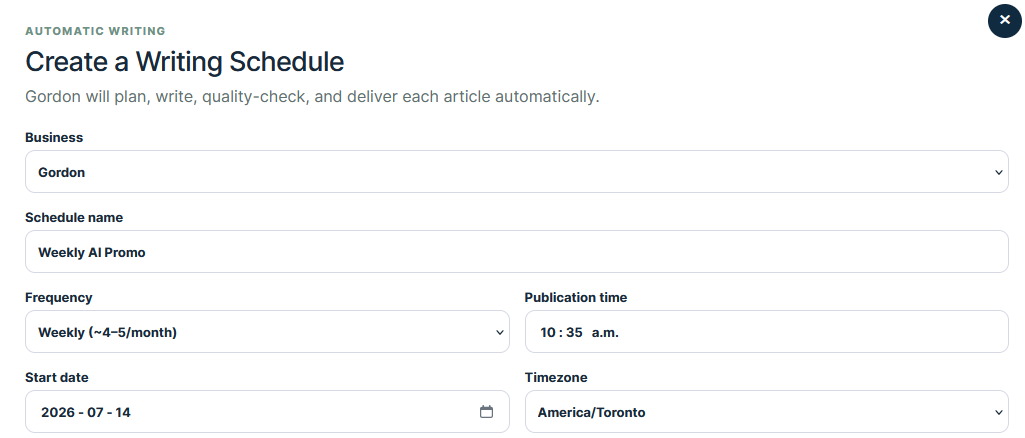
Choose how often Gordon should write, what topics to foucs on and what should happen when each article is ready.
1
Choose a frequency
Daily, weekly, biweekly, monthly or selected weekdays.
2
Guide what Gordon writes
Select topics, locations, article types and WordPress categories.
3
Decide what happens next
Keep it in Gordon, send it as a WordPress draft, schedule it or publish it.
Articles that actually sound like your business.
Useful, locally relevant content written with your business details in mind.
Business details included
Gordon uses your services, and expertise in every article.
How to Choose the Right Landscaping Company in Toronto
Hiring the right landscaping company in Toronto ensures your outdoor space looks great year-round. Here are the key factors to consider before you decide.
1. Check Their Local Experience
Choose a team that understands Toronto’s climate, soil and plant life. Local experience leads to better results.
2. Review Their Services
Make sure they offer the services you need, such as:
- Lawn care and maintenance
- Garden design and installation
- Interlocking and hardscaping
Target city added naturally
Your cities are woven in where they belong.
Call to action ready
Every article includes a clear next step for readers.
From business details to published article.
1
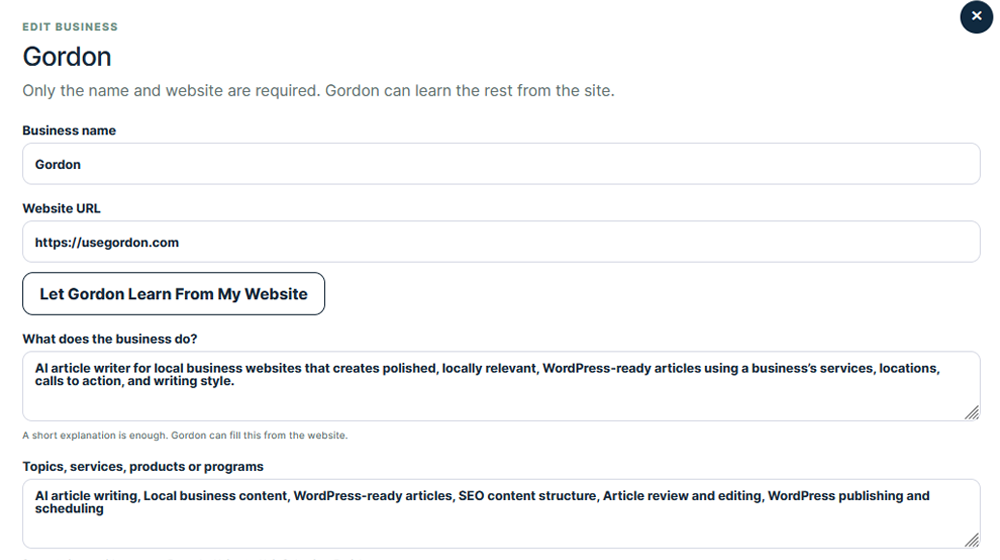
Tell Gordon about your business
Add your services, locations, and calls to action one time. Gordon remembers them.
2
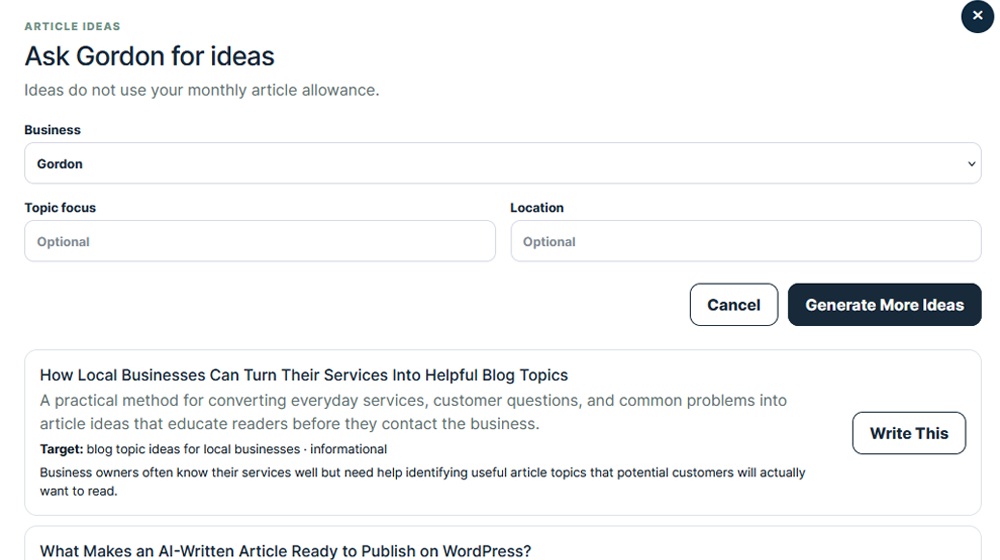
Choose what to write about
Pick a topic or let Gordon suggest ideas based on your business and target cities
3
Review and send to WordPress
You review, make edits and publish when you’re ready or set it to auto publish.
See what Gordon can write.
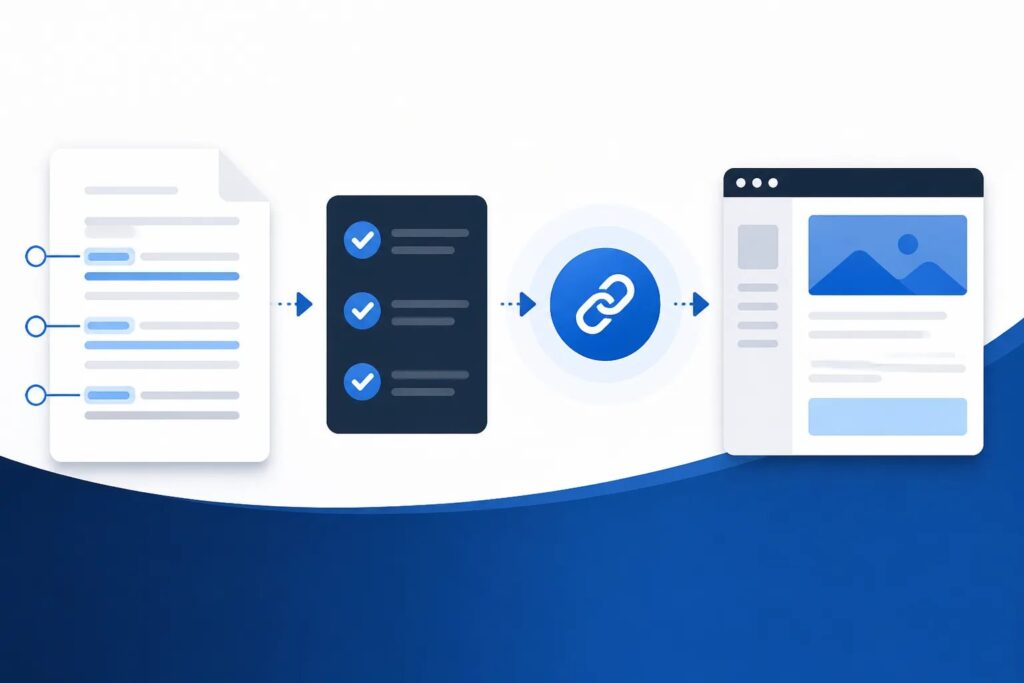
How to Fact-Check AI Content for Your Business Website

How to Create a Business Blog Outline That Keeps Readers Moving

How to Format an Article for WordPress Without Rebuilding It in the Editor
Written by Gordon. Controlled by you.
Nothing goes live without your say-so.
Review, edit, and choose what happens next.
WordPress-Ready
One click to publish to your site. No plugin required.
Save as Draft
Save your article and come back anytime.
Publish Now
Send your article live to your WordPress site.
Schedule
Pick a date and time. Gordon will handle it.
Keep Editing
Make changes until it’s exactly write.
Simple plans for every stage of your business.
Starter
- 1 Article / month
- 1 Business website
- Essential article research
- Up to 1 internal link
- 1 featured image generation per article
- Article ideas
- Send article to WP as draft
Pro
$29 /month
- 15 Articles / month
- 1 Business website
- Enhanced article research
- Up to 3 internal links
- 1 featured image generation per article
- Up to 2 embedded images
- Deep research
- Article ideas
- Send to WP as draft, publish, or schedule
- Auto scheduler
MOST POPULAR
Pro Plus
$59 /month
- 40 Articles / month
- 3 Business websites
- Separate business profiles
- Advanced article research
- Up to 5 internal links
- Up to 3 featured image generations per article
- Up to 3 embedded images
- Article ideas
- Send to WP as draft, publish, or schedule
- Auto scheduler
Agency
$99 /month
- 75 Articles / month
- 10 Business websites
- Separate business profiles
- Maximum article research
- Up to 6 internal links
- Up to 5 featured image generations per article
- Up to 5 embedded images
- Article ideas
- Send to WP as draft, publish, or schedule
- Auto scheduler
Enterprise
- Custom article volume
- Custom website limits
- Separate business profiles
- Custom featured image limits
- Article ideas
- Send to WP as draft, publish, or schedule
- Auto scheduler