

How to Structure SEO Content for a Business Blog That Answers Customer Questions
To structure SEO content for a business blog, begin with one specific customer question, answer it early, and organize the rest of the article around the information a reader needs to make progress. A clear structure helps visitors scan the page, understand the topic, and find a logical next step without wading through a general overview or repeated keywords.
Search visibility matters, but structure is not about forcing a phrase into every paragraph. It is about making the article’s purpose unmistakable: a useful title, a direct opening answer, descriptive headings, practical supporting details, and links that genuinely help the reader continue.
Start with the task behind the search
A broad topic such as “roofing,” “facials,” “estate planning,” or “catering” is not yet an article structure. It describes a subject, not the reader’s task. Before outlining, identify what someone is trying to understand, choose, prepare for, maintain, or solve.
For example, a visitor may be looking for:
- What to bring to a first consultation
- How two service options differ in day-to-day use
- Which factors affect the timing of a project
- What to check before buying a particular product
- How to recognize when a problem needs professional attention
Each question leads to a different article. A comparison needs meaningful tradeoffs. A preparation guide needs an ordered checklist. A troubleshooting article needs signs, likely next steps, and sensible boundaries. Starting with the task prevents a common weak structure: a long introduction followed by a general list of services that does not answer why the reader searched.
Write the page’s promise before the outline
The title, opening paragraph, and main headings should all make the same promise. Before drafting, write a one-sentence statement of the outcome the reader should get from the article. For instance: “This article helps a homeowner compare repair and replacement by explaining the factors that change the decision.”
That statement becomes a useful filter. If a section does not help the homeowner compare those choices, it probably belongs in another article. This keeps a page focused and makes it less likely to drift into background information or an unrelated sales message.
A strong opening then gives the essential answer first. It does not need to settle every detail, but it should tell the reader what generally determines the answer. For a comparison, name the key difference. For a preparation article, state the first action to take. For an explainer, define the subject in plain language and explain why it matters.
Use headings as a route through the answer
Headings are navigation, not decoration. They let a visitor find the part of the article that matters to them, and they reveal whether the article has a logical progression.
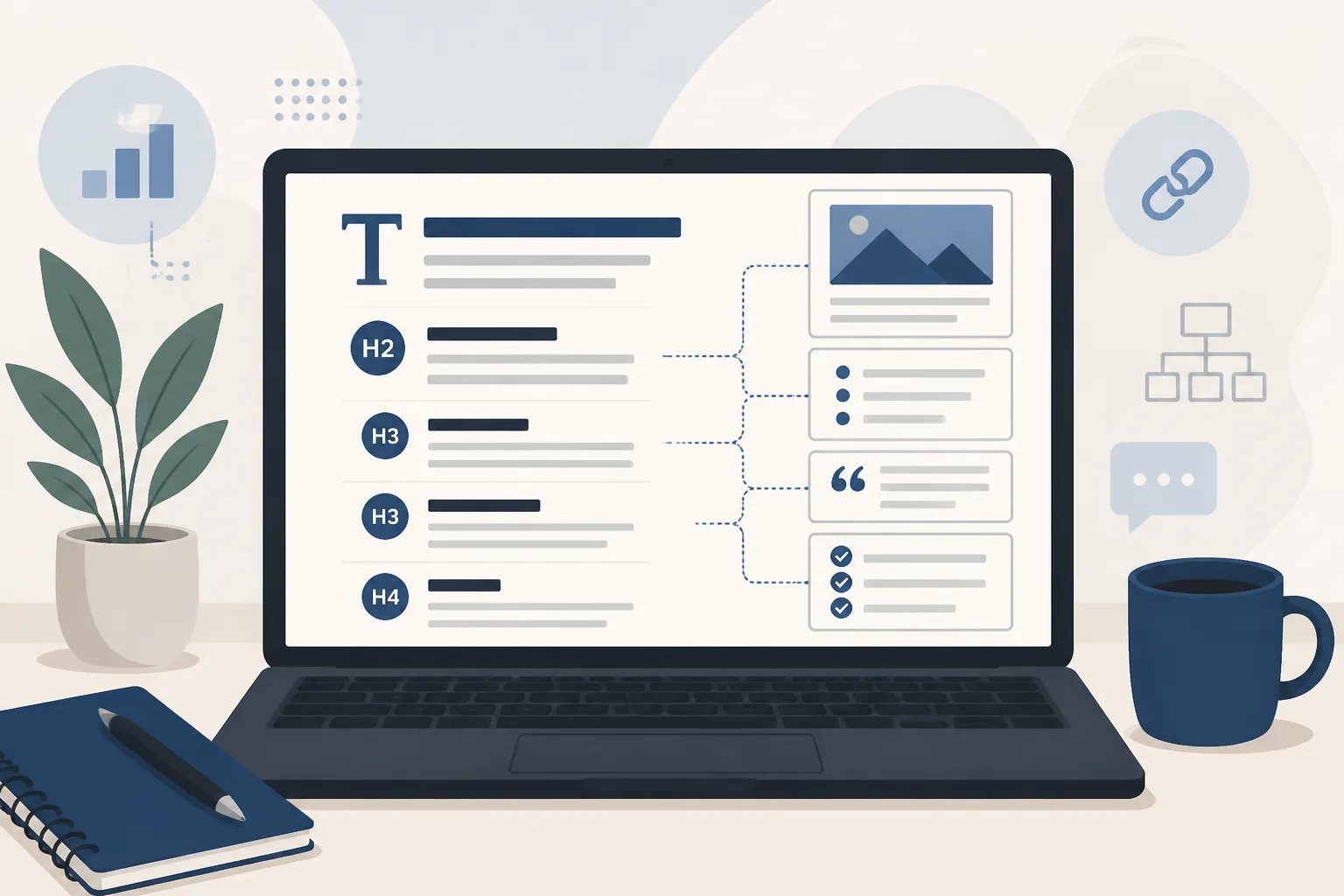
In a typical WordPress post, the post title functions as the main page heading. The article body can then use H2 headings for major parts of the answer and H3 headings only for closely related subtopics inside a larger section. Avoid choosing heading levels solely to change the appearance of text, or skipping from an H2 to a much lower level without a structural reason.
Descriptive headings are more useful than vague labels. Compare:
- Vague: “Things to consider”
- Specific: “How timing, condition, and budget change the choice”
The specific version tells the reader what they will learn and gives the writer a boundary for the section. If the paragraph beneath it discusses something else, the mismatch becomes easy to spot during editing.
A practical structure for customer-focused articles
There is no single template for every subject, but the following sequence works well for many business blog posts because it follows a reader’s decision process.
- Direct answer: State the main guidance in the opening and explain who the article is for.
- Key factors: Explain the details that change the answer, such as intended use, timing, condition, compatibility, upkeep, or cost drivers.
- Actionable guidance: Add steps, questions to ask, a compact comparison, or common mistakes where those formats clarify the decision.
- Relevant next step: Point to a related service, process explanation, or resource only if it naturally follows from the reader’s question.
This is a framework, not a rule that every article must follow. A short definition may only need a direct answer and examples. A detailed comparison may need separate sections for each option, a side-by-side table, and a decision guide. The goal is to give every section a distinct job.
Match the format to the information
Formatting should make the answer easier to use, not make the page look busy. Choose a format based on what the reader needs to do with the information.
| When the reader needs… | Use… |
|---|---|
| Actions in a particular order | A numbered list |
| A set of related considerations | Bullets |
| Two or more options compared on the same criteria | A concise table |
| Explanation of one concept or process | Short paragraphs with descriptive headings |
| A short definition or answer | A direct introductory paragraph, followed only by needed detail |
For example, a table is helpful when comparing the ongoing maintenance, flexibility, timing, and limitations of two options. It is not helpful when the rows merely repeat what the surrounding paragraphs already say. Likewise, a checklist is useful for preparation steps but can weaken a simple explanation when it turns every sentence into a bullet.
Build sections around decision factors, not keywords
A primary search phrase helps establish the article’s subject, but it should not dictate every heading. Repeating one exact phrase makes the writing awkward and rarely gives the reader more information.
Instead, use related language that explains the topic properly. An article about choosing a service might naturally cover goals, timing, condition, expected upkeep, relevant questions, and limitations. An article about preparing for an appointment may cover what to gather, what to confirm in advance, and what information may affect the discussion.
This approach gives the page a stronger topical focus because it answers the follow-up questions that arise after the initial search. It also helps avoid thin sections written solely to include a variation of the same phrase.
Keep business claims separate from general guidance
Useful educational content often includes general explanations, but readers need to know what is broadly true and what a business specifically provides. A post can explain common decision factors without claiming a particular price, process, availability, result, qualification, material, or policy.
Before publishing, check each sentence that represents the business. Confirm service names, products, locations where relevant, processes, timelines, pricing, policies, qualifications, and calls to action. If a fact is not current or cannot be verified, remove it or rewrite it as narrower general guidance.
This distinction is especially important in AI-assisted writing. We build Gordon drafts around the business information, website pages, writing style, and preferred call to action you provide, but you remain in control of the final version. Our guide on reviewing an AI-written article before publishing offers a focused fact-checking and clarity sequence.
Give internal links one clear purpose
An internal link should answer the question, “What would this reader reasonably need next?” It might lead to a related service, a detailed process explanation, an example, or a next step. It should not appear simply to repeat a keyword or increase the number of links on the page.
Use anchor text that describes the destination. “See how our article-writing workflow works” is clearer than “click here” because the reader knows what to expect. We explain how a topic, business details, search focus, structure, review, and WordPress publishing fit together in our guide to AI article writing for local business websites.
Limit links to the pages that genuinely help. A reader should be able to finish the article without feeling diverted from its main answer.
Finish the structure with publishing details
The article body is only part of a finished post. Before it goes live, review the title, slug, meta description, excerpt, featured image, alternative text, categories or tags used on your site, links, and call to action. These elements should accurately represent the same focused topic as the article itself.
Then preview the post in WordPress. Look for headings that lost their hierarchy, extra line breaks, unreadable tables, broken links, images that do not fit the topic, and wording that needs a final edit. Our guide to WordPress-ready content explains how these publishing details help turn a finished draft into a reviewable post.
A simple structure check before you publish
- Can a reader understand the article’s main answer from the opening?
- Does each H2 answer a different part of the reader’s question?
- Do lists and tables make information clearer rather than repeat it?
- Have general explanations been kept separate from claims about the business?
- Does each link lead to a genuinely relevant next step?
- Do the title, metadata, featured image, and conclusion all reflect the article’s actual scope?
A well-structured article does not need to cover everything about a business or an industry. It needs to answer one useful question clearly, accurately, and in an order that respects the reader’s time. That is the foundation we use at Gordon when turning business context into WordPress-ready article drafts for your final review.
Turn a customer question into a structured draft
Create a WordPress-ready article with a clear focus, useful headings, and publishing details you can review before it goes live.