

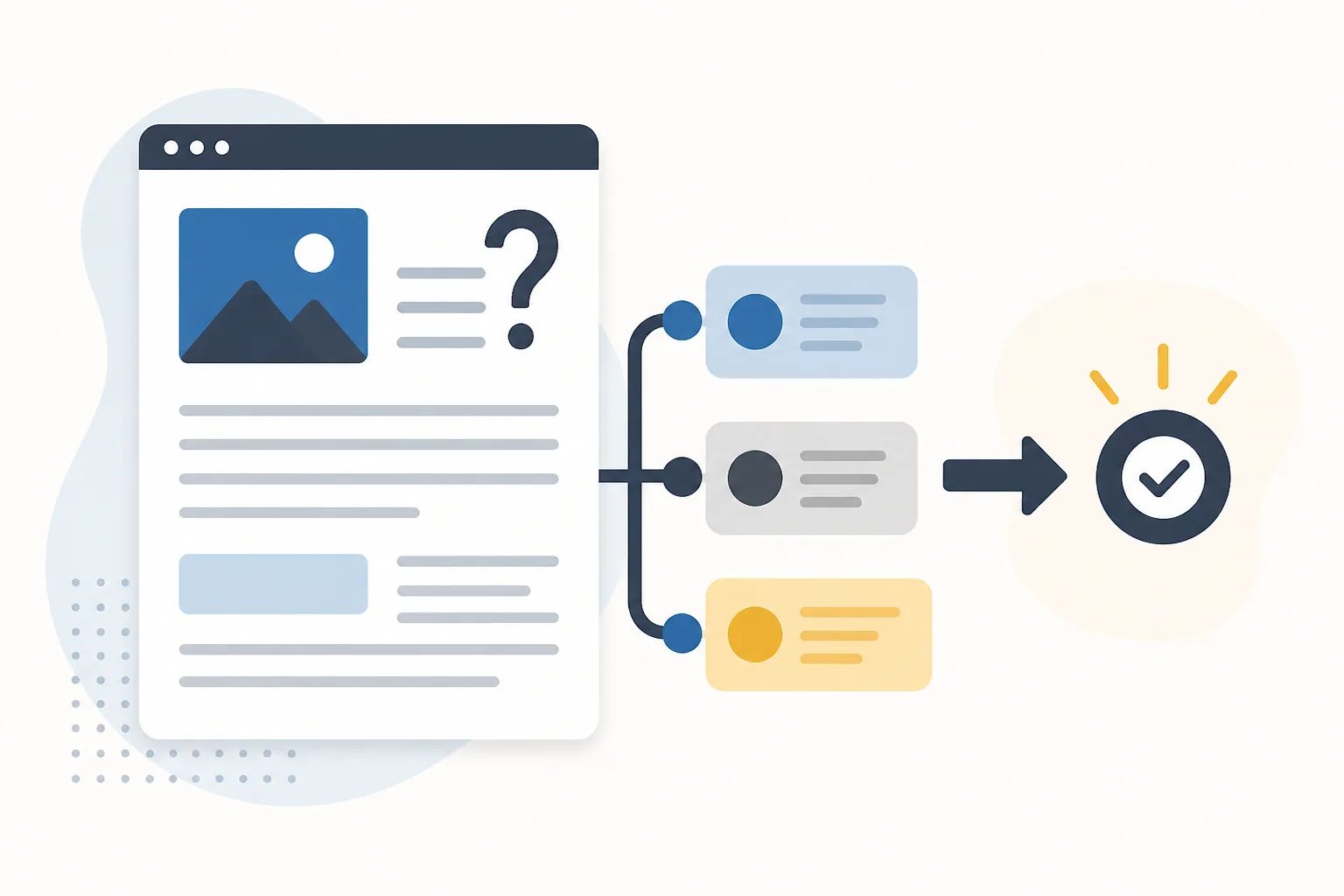
How to Write Useful Business Blog Posts That Help Readers Decide
To write useful business blog posts, start with one question a customer needs answered before they can make progress. Then give the answer early, explain the factors that affect it, and finish with a relevant next step. A post becomes valuable when it helps a reader understand, compare, prepare, or decide, not when it simply adds another page to a blog.
For example, a broad subject such as “roof repair” is not yet a useful article idea. “What should I photograph before requesting a roof repair assessment?” gives the reader a clear task and gives the writer a clear boundary. The strongest posts save readers time because they make the purpose obvious from the title, opening, headings, and examples.
Useful content solves a decision, not just a topic
Topics describe an area of knowledge. Customer questions reveal the action someone is trying to take. That distinction changes the entire article.
- Topic: Estate planning
- Customer question: What documents should I gather before an estate planning consultation?
- Useful outcome: The reader can prepare a practical document list and understand why each item matters.
When an article is built around a task, the needed format becomes easier to choose. A comparison should explain meaningful tradeoffs. A preparation article needs actions in a sensible order. A troubleshooting article should help readers recognize signs, understand reasonable next steps, and know where general guidance ends.
A service list rarely answers those questions on its own. Instead of explaining everything a business does, choose the narrow question that helps a reader move from uncertainty to a better-informed next action.
Give the answer before the background
Readers should not have to work through several paragraphs of industry background to discover whether a post applies to them. State the core answer in the opening, then use the rest of the article to explain it.
For a post about choosing between two options, the opening might identify the factor that normally separates them, such as intended use, maintenance, timing, or existing condition. For a preparation guide, name the first thing the reader should gather or confirm. For an explainer, define the term in plain language and explain why it affects the reader’s decision.
This does not mean the introduction has to settle every variation immediately. It should establish the article’s promise: what the reader will be able to understand or do after reading. If the first paragraph cannot make that promise clear, the topic may still be too broad.
Build the middle around the questions that come next
After readers get the main answer, they usually need a short sequence of follow-up information. A useful outline anticipates that sequence instead of adding headings that repeat a keyword in slightly different forms.
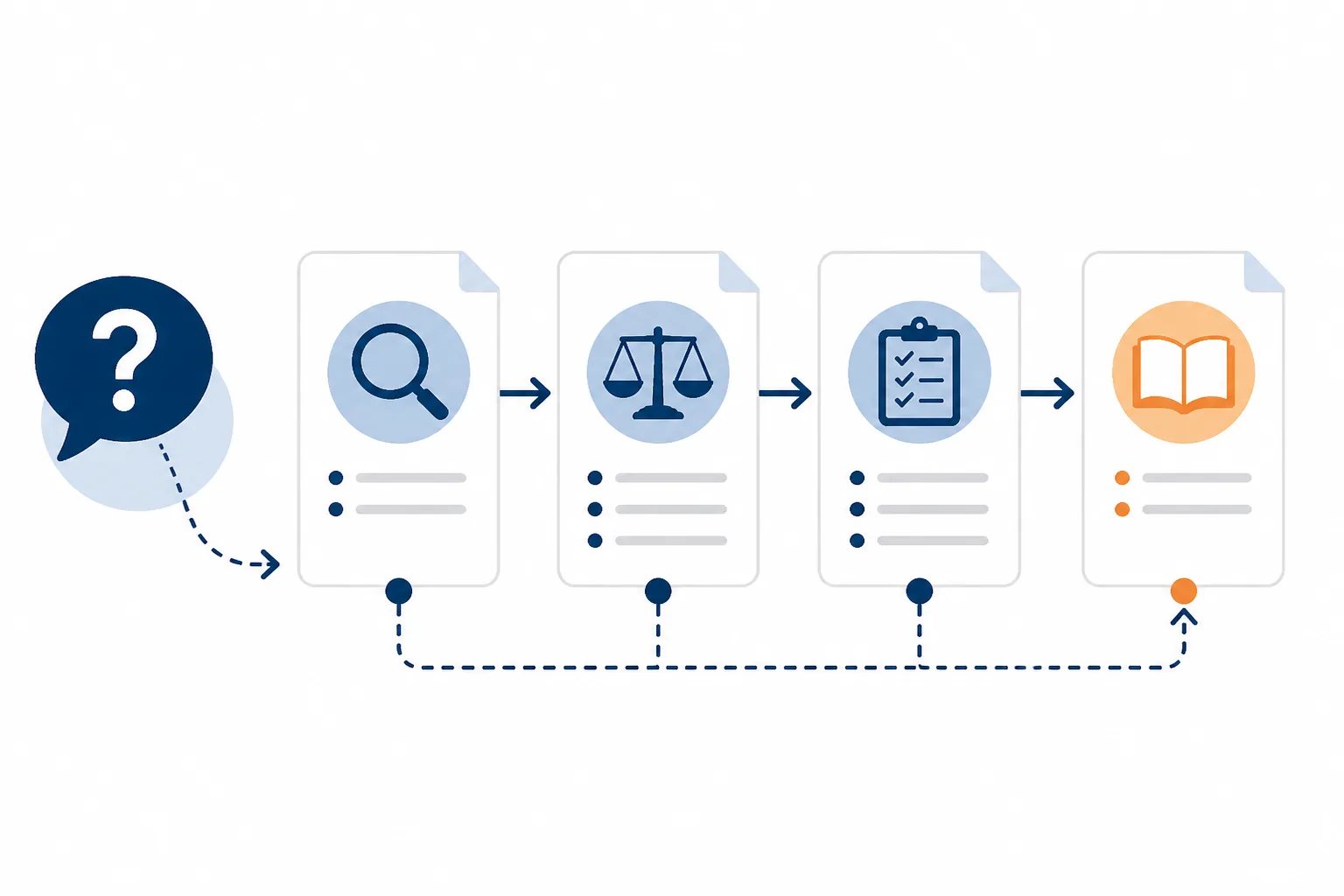
For most decision-focused articles, the reader needs to know:
- Whether the article applies to their situation.
- Which conditions, goals, timing, or constraints change the answer.
- What they can do with the information now.
- Where to find the most relevant additional detail, if needed.
Each major heading should have one job. A heading such as “How timing and current condition affect the choice” tells readers what they will learn and gives the writer a clear editing test. If the section starts discussing an unrelated service or company history, it belongs elsewhere.
Our guide to organizing a blog post around search intent explains how to turn these follow-up questions into a focused route through an article without relying on repeated phrases.
Use examples and formats only when they make the advice easier to apply
Practical detail is what separates a useful article from a polished summary. The right detail helps a reader recognize their situation or complete the next step. It does not require invented business results, prices, processes, or guarantees.
For example, a post about preparing for a design consultation could explain that photos, approximate measurements, an intended use for the space, and a target timeline often make the discussion more productive. Those are general preparation examples, not promises about what any particular business requires.
Match the format to the reader’s task. Use a short paragraph when explaining one idea. Use bullets for related considerations without a required order. Use numbered steps when sequence matters. A table is worth using only when readers need to compare the same criteria across two or more options.
Outline check
Five questions before you draft a business blog post
Use this quick check to confirm that the article will help a reader make progress rather than simply fill a content slot.
- What specific customer question will this post answer?
- Can the opening give the essential answer in a few sentences?
- Does each H2 address a different follow-up question?
- Will every example or list help the reader understand or act?
- Are business-specific facts verified and clearly separated from general guidance?
Before publishing, remove examples that do not change the reader’s understanding. A list that merely restates nearby paragraphs creates length without creating value.
Keep general guidance separate from business claims
A business blog can teach readers about common terminology, decision factors, preparation steps, and maintenance considerations. But general information must not become an unsupported promise about your business.
For instance, it is reasonable to explain that a reader might compare providers by scope, timing, materials, communication, or ongoing upkeep. It is not reasonable to state that a particular business uses a certain method, offers a particular turnaround time, has a specific policy, or delivers a particular result unless that detail is verified.
Accuracy boundary
General advice is not a promise about your business
Explain common decision factors freely, but verify every statement about your own services, methods, prices, policies, locations, availability, and results before publication.
This boundary is especially important with AI-assisted drafting. AI can help turn an idea into a structured first draft, but it cannot independently confirm what is current or appropriate for your business. Check every sentence that uses “we,” “our,” or your business name as if you were saying it directly to a prospective customer.
At Gordon, we create WordPress-ready article drafts from the business details, writing style, website pages, and calls to action you provide. We keep the final version in your control so you can review, edit, save, schedule, or publish when you are satisfied. Our guide on reviewing an AI-written article before publishing provides a focused process for checking claims, usefulness, voice, and publishing details.
Make the article easy to scan and easy to publish
Readers often scan before they commit to reading. Descriptive headings, short paragraphs, and purposeful formatting make it easier to find the relevant part of an answer. They also make a post easier to review later.
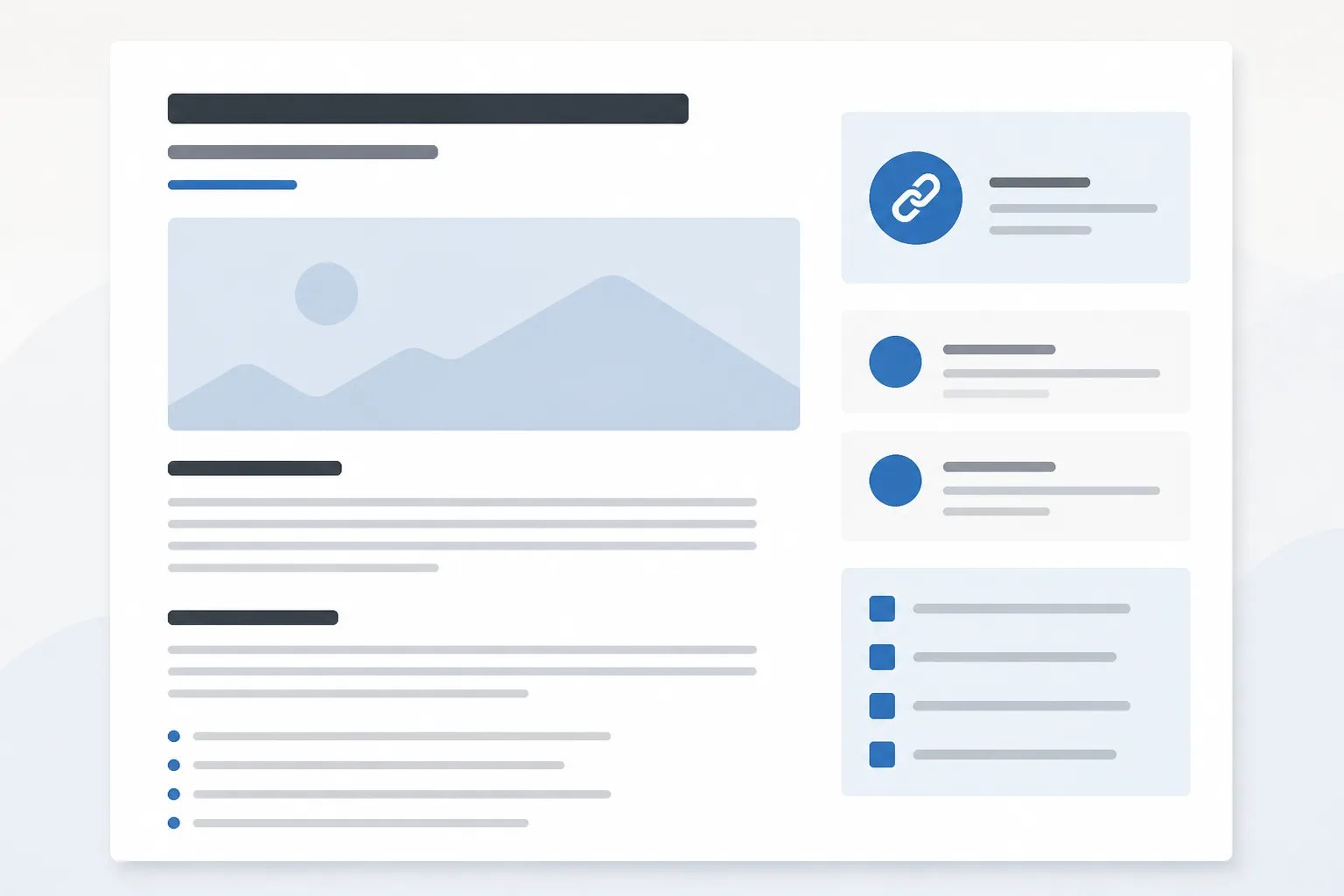
In a typical WordPress article, the post title serves as the main heading, while H2 headings divide the major sections. H3 headings can support a larger section when they clarify a real subdivision. Heading levels should describe the relationship between ideas, not be used simply to change text size.
The body is only part of a finished post. Before publishing, confirm that the title, slug, meta description, excerpt, internal links, featured image, alternative text, and any categories or tags used on your site all describe the same focused subject. Our overview of what WordPress-ready content includes explains why these supporting elements deserve the same care as the copy itself.
Give readers a next step that fits the question
Not every post needs a hard sales message. A useful next step might be a related service page, a deeper guide, a comparison resource, or simply a concise final takeaway. The key is relevance: the link or action should answer what a reader reasonably needs after finishing the article.
Use descriptive anchor text so readers know where a link goes. Avoid adding links merely to repeat a search phrase or to send people through unrelated pages. A reader should be able to complete the article without being interrupted by unnecessary detours.
The standard is simple: a business blog post earns its place when the title makes a clear promise, the opening answers the core question, each section adds a distinct piece of practical information, and every business claim is accurate. That combination makes content more useful to readers and more dependable for the business publishing it.
Helpful answers
Frequently Asked Questions
Turn a customer question into a structured draft
Create a WordPress-ready article built around your business details, preferred voice, and a clear reader outcome.