

How to Organize a Blog Post for Search Intent Without Repeating Keywords
To organize a blog post for search intent, begin with the specific task behind the search, answer the central question near the start, and build each remaining section around a follow-up question the reader needs answered. This keeps the post useful for people first while giving search engines a clear, consistent topic to understand.
The goal is not to fit one phrase into every heading. It is to make the article’s purpose obvious from its title, opening, structure, examples, and next step. A well-organized post saves readers time because they can quickly see whether it answers the question that brought them to the page.
Start with the reader’s task, not a broad subject
A subject is not the same thing as search intent. “Landscaping,” “accounting,” or “skin care” describes a broad area, but it does not explain what the reader is trying to accomplish. Before outlining, turn the subject into one practical question.
For example, a reader might want to compare two options, prepare for an appointment, recognize a problem, understand upkeep, or decide what information to gather before contacting a business. Each task calls for a different article structure.
- A comparison needs criteria, tradeoffs, and situations where each option makes sense.
- A preparation guide needs actions in a sensible order.
- A troubleshooting article needs clear signs, likely next steps, and appropriate limits.
- An explainer needs a plain-language definition followed by only the details required to understand it.
Starting with the task prevents a common structural problem: opening with a broad industry overview and eventually arriving at the useful answer after the reader has already had to hunt for it.
Write a one-sentence promise before building the outline
Before drafting headings, state what the reader should be able to understand or do by the end of the post. For example: “This article helps a homeowner decide what to document before requesting a repair assessment.”
That sentence gives the outline a boundary. A section about material history, unrelated services, or general company information does not belong unless it helps the homeowner prepare for that assessment. It also helps you test the title. The title, introduction, headings, and conclusion should all make the same promise.
Then write an opening that gives the essential answer. It does not have to resolve every circumstance immediately, but it should name the main factor that changes the answer. Readers should know within the first few sentences whether the page is relevant to them.
Map the follow-up questions before you draft
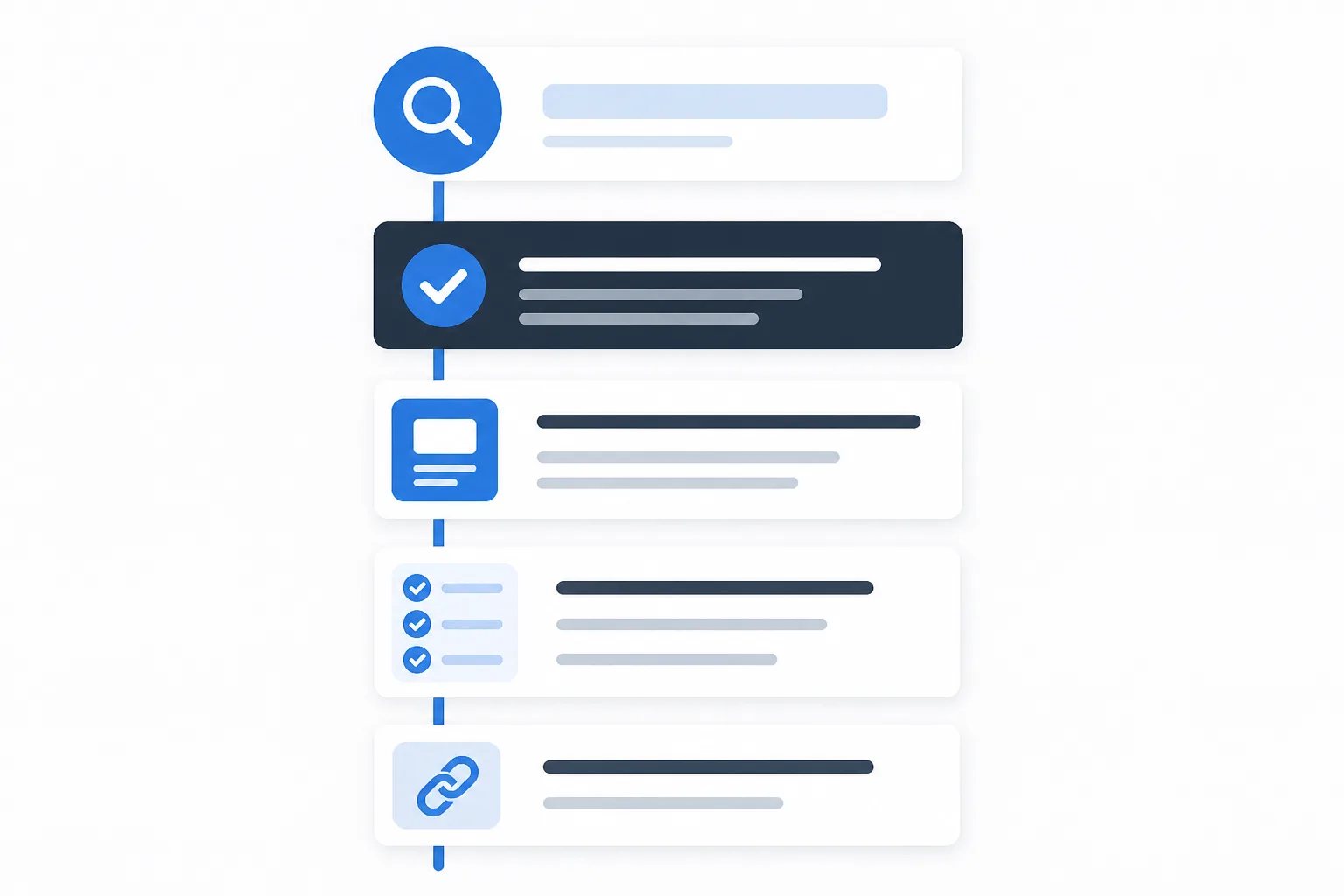
Most useful searches create a short chain of practical follow-up questions. Someone who asks “Which option is better?” may next need to know what changes the choice, what ongoing work is involved, what affects timing, and what to ask before committing. Organize sections around those questions in the order a decision normally unfolds.

| Reader needs to know | Useful section job |
|---|---|
| Whether the page applies to their situation | Give the direct answer and define the scope. |
| What changes the answer | Explain the relevant condition, goal, timing, compatibility, upkeep, or cost drivers. |
| What to do with the information | Provide steps, a decision guide, questions to ask, or a concise comparison. |
| Where to go next | Link to a directly related service, process explanation, or resource when one genuinely helps. |
This sequence is a planning tool, not a mandatory template. A short definition may need only an answer and an example. A detailed comparison may need separate sections for each option before the final decision guide. The standard is simple: every section should do a distinct job for the reader.
Use headings that reveal the answer
Headings are navigation. A visitor scanning a post should be able to understand the route through the answer without reading every paragraph. Vague headings such as “Things to know” or “More information” give neither the reader nor the writer a clear boundary.
Replace them with headings that identify the decision or explanation beneath them. “How timing, condition, and upkeep change the choice” tells the reader what they will learn. It also gives the writer an editing test: if the section drifts into a different subject, move or remove the material.
In a typical WordPress post, the post title functions as the primary page heading. Use H2 headings for the major parts of the answer, then use H3 headings only when a larger section genuinely needs supporting divisions. Do not select heading levels just to make text appear larger. Logical hierarchy makes the article easier to scan, edit, and present clearly.
Choose the format that makes the answer easier to use
Formatting should clarify the information rather than make the post look busy. A reader following a sequence benefits from numbered steps. A group of related considerations is usually clearer as bullets. A table earns its space when it compares two or more options on the same criteria, such as maintenance, timing, flexibility, or limitations.
Short paragraphs are often the strongest format for an explanation that has no required order or side-by-side comparison. Avoid turning every thought into a list. When lists repeat what nearby paragraphs already say, they add visual length without helping the reader make progress.
Outline check
A five-point structure check before drafting
Use this short check to confirm that the outline follows the reader's question rather than a keyword list.
- Name the one customer task the post will help with.
- Write the direct answer the opening should provide.
- List the follow-up questions a reader needs answered next.
- Assign each H2 one distinct job in the decision process.
- Remove sections, lists, and links that do not move the answer forward.
Keep the search phrase in scope, not in every sentence
A primary search phrase gives a post focus, but it should not control every line. Use it naturally in the title, opening, URL slug, page description, and a relevant heading when appropriate. After that, write in the language needed to answer the question properly.
For a post about choosing a service, useful supporting language might include goals, timing, condition, expected upkeep, limitations, questions to ask, and cost factors. Those terms are valuable because they explain the decision, not because they repeat the same phrase in slightly different forms.
Keyword repetition is often a symptom of a weak outline. When sections are built around real decision factors, the article naturally covers related concepts without creating several nearly identical headings. For a closer look at this approach, read our guide on structuring business blog content around customer questions.
Keep general guidance separate from business facts
Educational content can explain common processes, terminology, selection criteria, and preparation steps. It should not quietly turn that general information into a promise about a particular business.

Accuracy boundary
General advice is not a business promise
A post can explain common decision factors without claiming that a business offers a certain method, timeline, price, material, policy, or result. Verify every statement that speaks for the business before publication.
Before publishing, review statements about services, products, locations, materials, processes, prices, availability, policies, qualifications, guarantees, and calls to action. If a detail cannot be confirmed, remove it or rewrite the passage as general guidance. This distinction matters because readers may rely on business-specific statements when deciding what to do next.
At Gordon, we build article drafts from the business details, writing style, website pages, and calls to action a business provides. The final review still belongs to the business publishing the article. Our guide to reviewing an AI-written article before publishing explains how to check claims, usefulness, voice, and post details in focused passes.
Give links and publishing details a clear purpose
An internal link should answer one question: “What would this reader reasonably need next?” It might lead to a related service page, a process explanation, an example, or another guide that fills a genuine gap. Descriptive anchor text helps readers decide whether to follow it. “See how our article-writing workflow works” is more useful than “click here.”
Do not use links simply to repeat a target phrase or increase the number of destinations on a page. A reader should be able to finish the article without being diverted from its core answer.
Finally, check the publishing elements that surround the body copy: the title, slug, meta description, excerpt, tags used on your site, featured image, image alt text, headings, and links. These details should represent the same focused topic as the article itself. Our overview of what WordPress-ready content includes explains how structured copy and post-level details work together.
A focused structure is easier to publish and easier to trust
A well-organized blog post does not need to cover everything about an industry. It needs to answer one worthwhile question directly, explain the factors that change the answer, and provide a logical next step. When the title, opening, headings, examples, links, and publishing details all support that one purpose, the result is clearer for readers and more dependable for your website.
Helpful answers
Frequently Asked Questions
Turn a customer question into a structured article
Create a WordPress-ready draft with a clear focus, useful headings, and publishing details ready for your review.