

How to Prepare WordPress Posts for Scheduled Publishing: A Preflight Workflow
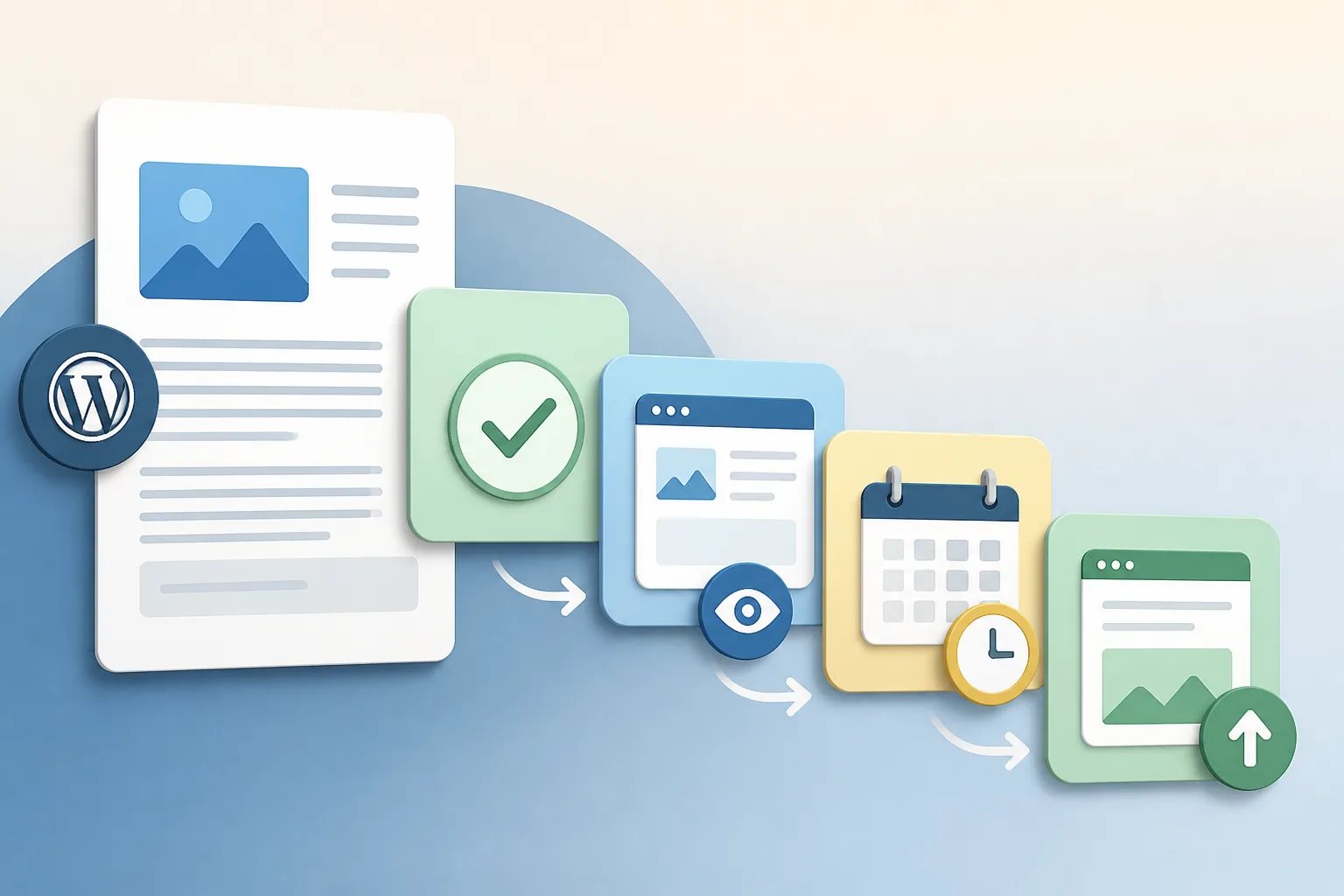
To prepare WordPress posts for scheduled publishing, finish the article and its post details first, then preview the page, set the future date and time, and confirm the scheduled status. This order matters because a calendar date does not make an unfinished, inaccurate, or poorly formatted post ready for readers.
Scheduling is most useful when it separates two decisions: whether the post is complete and when it should appear. A simple preflight workflow lets you work ahead while keeping editorial control until publication.
Start by defining what the post needs to accomplish
Before checking WordPress settings, read the title and opening together. A visitor should be able to tell quickly what question the post answers and why it applies to them. If the title promises a preparation guide, the body should provide preparation guidance. If it promises a comparison, it should explain meaningful differences and decision factors.
This is also the moment to remove material that distracts from the post’s main job. A long introduction, an unrelated service list, or repeated background can make a useful answer harder to find. Our guide on organizing a blog post around search intent explains how to build sections around the questions a reader needs answered next.
Keep the scheduling decision separate from the editorial decision. If the scope is unclear, revise the draft before assigning it a place on the calendar.
Complete the publishing package before choosing a date
The article body is only one part of a WordPress post. The exact fields available depend on the site’s theme and tools, but several details commonly need review before a post can be treated as complete.
- Title and slug: They should be specific, readable, and aligned with the subject of the article.
- Headings and formatting: The post title normally serves as the main page heading, while major body sections use H2 headings. Lists and tables should improve clarity rather than add visual length.
- Links: Each link should open the intended page and use anchor text that tells readers what they will find.
- Meta description and excerpt: These should provide an honest summary of the page where your site uses them.
- Categories and tags: Use the organizational system already established on your site instead of creating near-duplicate labels.
- Featured image and alternative text: The image should give the topic context, and its alternative text should describe the visual purpose without simply repeating a keyword.
- Call to action: Confirm that it fits the article and still leads to the intended destination.
Preparing these items together reduces the chance that an article looks finished in a document but needs substantial work once it reaches WordPress. For a closer explanation of this approach, see what WordPress-ready content includes.
Use separate passes to catch different kinds of problems
Trying to assess accuracy, reader value, voice, and page presentation in one read makes small errors easy to miss. Focused passes make the review faster and more reliable.
Preflight checklist
Five focused passes before scheduling
Review the post one purpose at a time so an issue in one area does not hide another.
- Reader pass: Confirm the title, opening, headings, and conclusion answer one clear question.
- Accuracy pass: Verify every business-specific claim and remove details you cannot confirm.
- Structure pass: Check heading levels, paragraphs, lists, tables, and scanability.
- Publishing pass: Test links and complete the post details your site uses.
- Preview pass: Inspect the page as readers will see it before setting the future date.
During the accuracy pass, give extra attention to statements that represent your business. Verify service names, products, locations where relevant, pricing, policies, availability, methods, qualifications, dates, and calls to action. If a detail cannot be confirmed, remove it or rewrite it more narrowly.
General guidance can still be useful in an article, but it should not become an unverified promise about your business. For example, a post can explain common factors people use to compare options without claiming that you offer a particular timeline, method, or result.
Preview the actual page, not just the editor
A clean draft can display differently after it is added to WordPress. Previewing shows whether the page is easy to read as a visitor would see it.
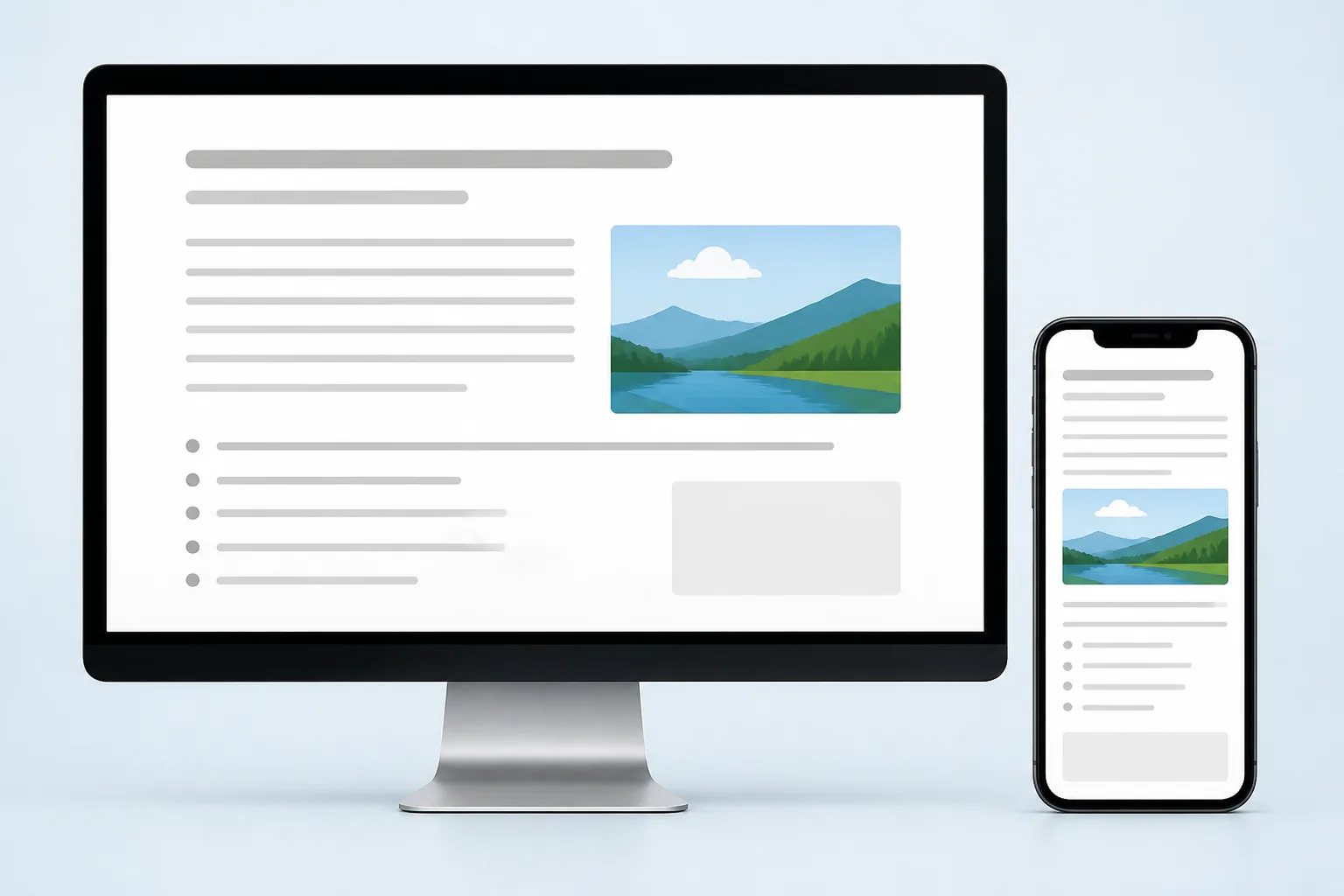
Check the first screen first. The title, featured image, opening, and first heading should make the purpose clear. Then scan the full page for paragraph breaks that have changed, headings at the wrong level, broken list indentation, hard-to-read tables, image sizing issues, and links that do not stand out clearly.
If your workflow allows it, inspect the preview on both a larger screen and a narrow screen. Long tables, large images, and dense paragraphs are especially worth checking because they can be harder to use on a phone.
Preview mode is also the right place to test each internal link. A relevant link helps the reader take a logical next step. A link that opens the wrong page, uses vague wording, or interrupts the article’s flow should be corrected or removed.
How to prepare WordPress posts for scheduled publishing
Once the post is complete and the preview looks right, schedule it in the publishing controls available in your WordPress setup. Editor layouts can vary, but the dependable sequence remains the same: choose the intended future date and time, use the editor’s scheduling option, then verify that the post has a scheduled status rather than draft or published status.
Also confirm the site’s configured time zone before relying on a detailed timetable. This is particularly useful when more than one person contributes to publishing or when posts are planned well in advance.
Scheduling safeguard
A future date does not make a post publish-ready
Schedule only after the article, links, metadata, image, and preview are complete. For time-sensitive posts, conduct one final accuracy check close to publication because details can change while a post is waiting on the calendar.
Record the scheduled post in a simple content inventory with its working title, reader question, planned date, and any details that may need a final check. This does not need to be complicated. Its purpose is to show which topics are coming up and flag articles that could become dated before publication.
Match the date to the article’s usefulness
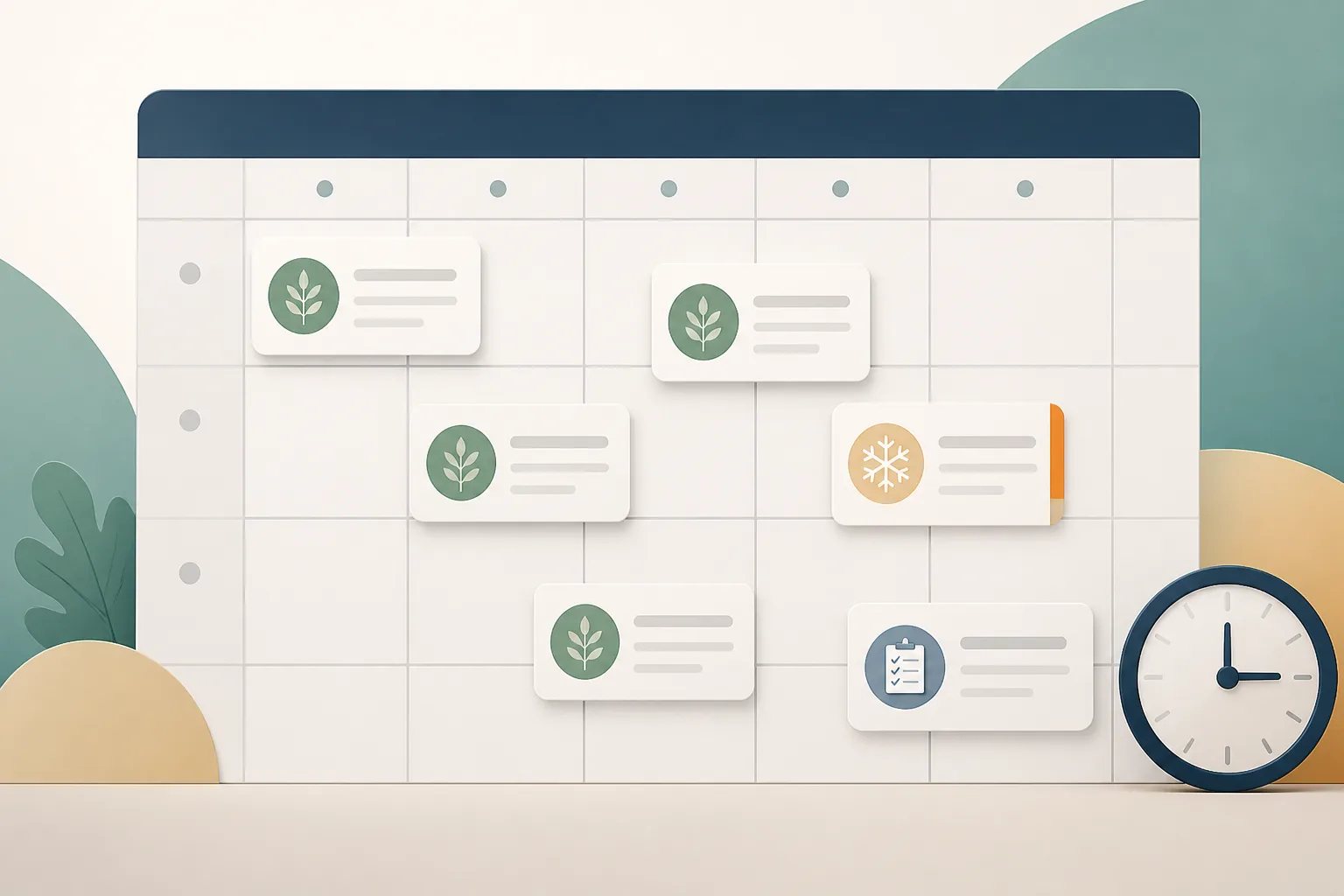
There is no universal best time to publish every blog post. The more useful question is when the article’s information needs to be available.
Evergreen articles
An article that answers a stable question, such as how to prepare for a service or how to compare options, can usually fit your normal publishing rhythm. Its usefulness comes from being clear and accurate over time, rather than appearing on one narrow date.
Time-sensitive articles
Posts connected to a season, event, deadline, business update, or changing offer need more care. Schedule them early enough for readers to use the information, but conduct another review close to publication. Recheck dates, availability language, business details, links, and calls to action before the post goes live.
Series and planned topics
Spacing related articles can prevent them from competing with one another. An explainer can establish a topic, a later comparison can help readers evaluate choices, and a preparation guide can address the next practical task. Each post should answer a distinct question rather than repeat an earlier article with slightly different wording.
Keep a final check for every scheduled post
Scheduling creates useful review time, but it does not remove the need for a final decision. Shortly before publication, open the post and confirm that it still represents your business accurately and that the scheduled date remains appropriate.
- Does the title still match the article’s scope?
- Are business-specific statements, links, and calls to action current?
- Does the opening provide the main answer without delay?
- Do the featured image and alternative text still fit the subject?
- Is the planned publication date and time correct?
If an article needs more work, returning it to draft status is usually more useful than publishing it simply to preserve a calendar slot. A schedule should reflect readiness, not create pressure to publish an incomplete page.
Where Gordon fits in the workflow
At Gordon, we create WordPress-ready article drafts using the business details, services, writing style, locations where applicable, and calls to action you provide. Our drafts include structured HTML, title and metadata suggestions, featured image direction, and relevant internal links when approved pages are available.
You retain control over the final version and publication timing. Review the draft, make edits, then decide whether to save it, schedule it, or publish it. If you are reviewing AI-assisted copy, our guide on reviewing an AI-written article before publishing provides a focused fact-checking and clarity process.
A reliable publishing schedule begins with a finished post, not a future date. Complete the content package, preview the page, verify the status, and leave room for a final review when information could have changed.
Helpful answers
Frequently Asked Questions
Build your next post before the calendar fills up
Create a structured, review-ready WordPress article draft, then choose the timing that fits your publishing plan.