

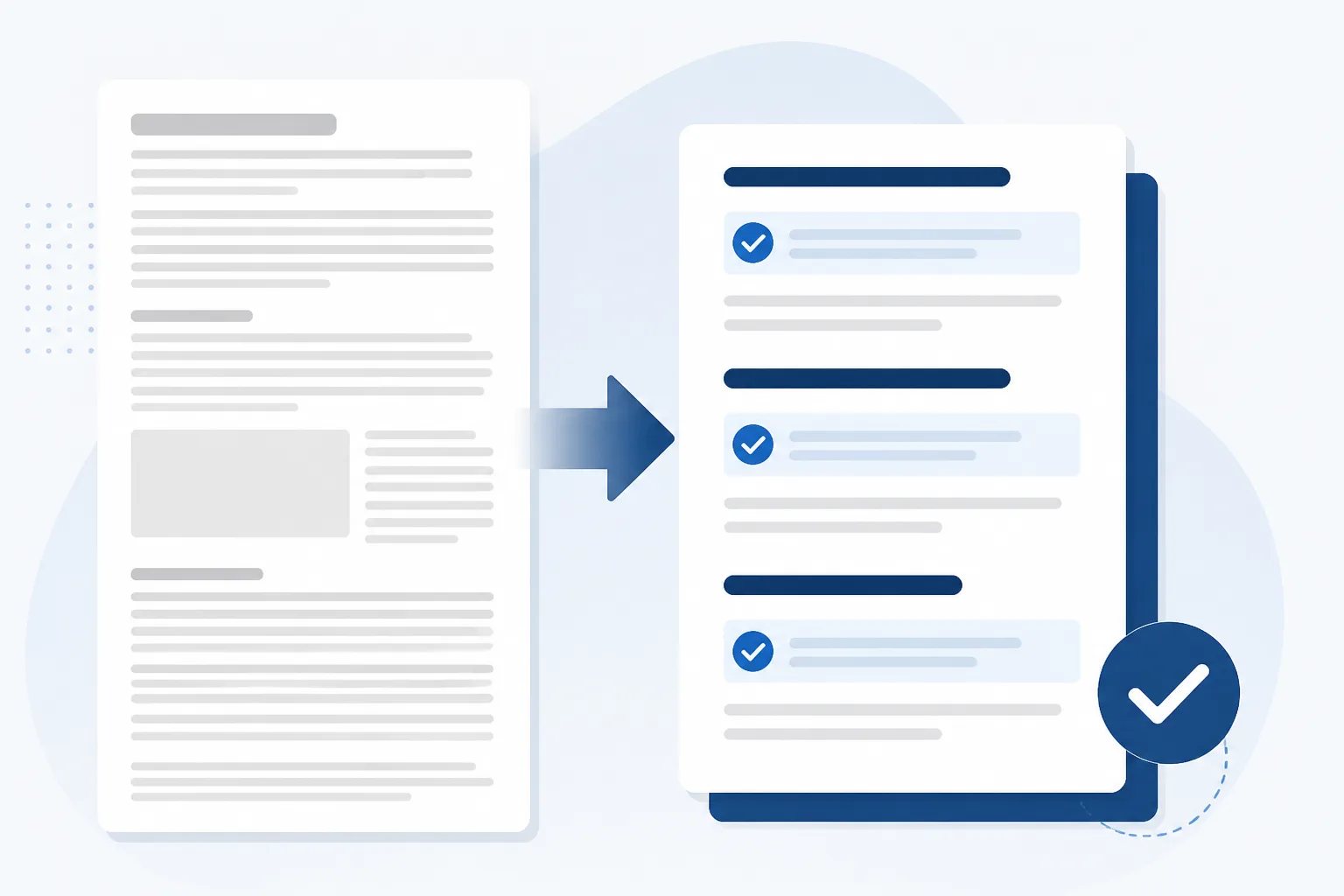
How to Shorten a Business Blog Post Without Losing Value
To shorten a business blog post without losing value, keep the parts that answer the reader’s question and remove anything that repeats, delays, or distracts from that answer. The goal is not to make every article brief. It is to make every paragraph earn its place.
A long draft is often a normal part of writing. You may need extra notes, background, examples, and alternate phrasing to discover the strongest version of an idea. Editing is the stage where you decide what a reader actually needs to see. For a business blog, that usually means a clearer opening, fewer repeated claims, specific guidance, and a next step that fits the topic.
Start by identifying the one job of the post
Before cutting a sentence, write one plain-language statement describing what the article helps a reader do. For example: “This post helps a homeowner know what to photograph before requesting a repair assessment.” That is the post’s job.
Use that statement to test every section. A paragraph belongs if it helps the reader understand the situation, make a decision, prepare, avoid a mistake, or take the next logical step. It does not belong simply because it is accurate or because it took time to write.
This distinction is especially useful for business content. A draft can drift from a focused customer question into a broad industry introduction, a list of unrelated services, or a long description of the business. Those additions can make a post feel less helpful because the reader has to search for the answer they came for.
Our guide to organizing a blog post around search intent explains how a reader’s task can shape the opening and section order. During editing, use the same principle in reverse: remove material that does not support that task.
Cut repetition before cutting useful explanation
Repetition is usually the safest place to begin. It adds length without giving readers a new reason, example, action, or decision factor. Repeated wording is easy to spot, but repeated ideas can appear in different language across the introduction, headings, list items, conclusion, and call to action.
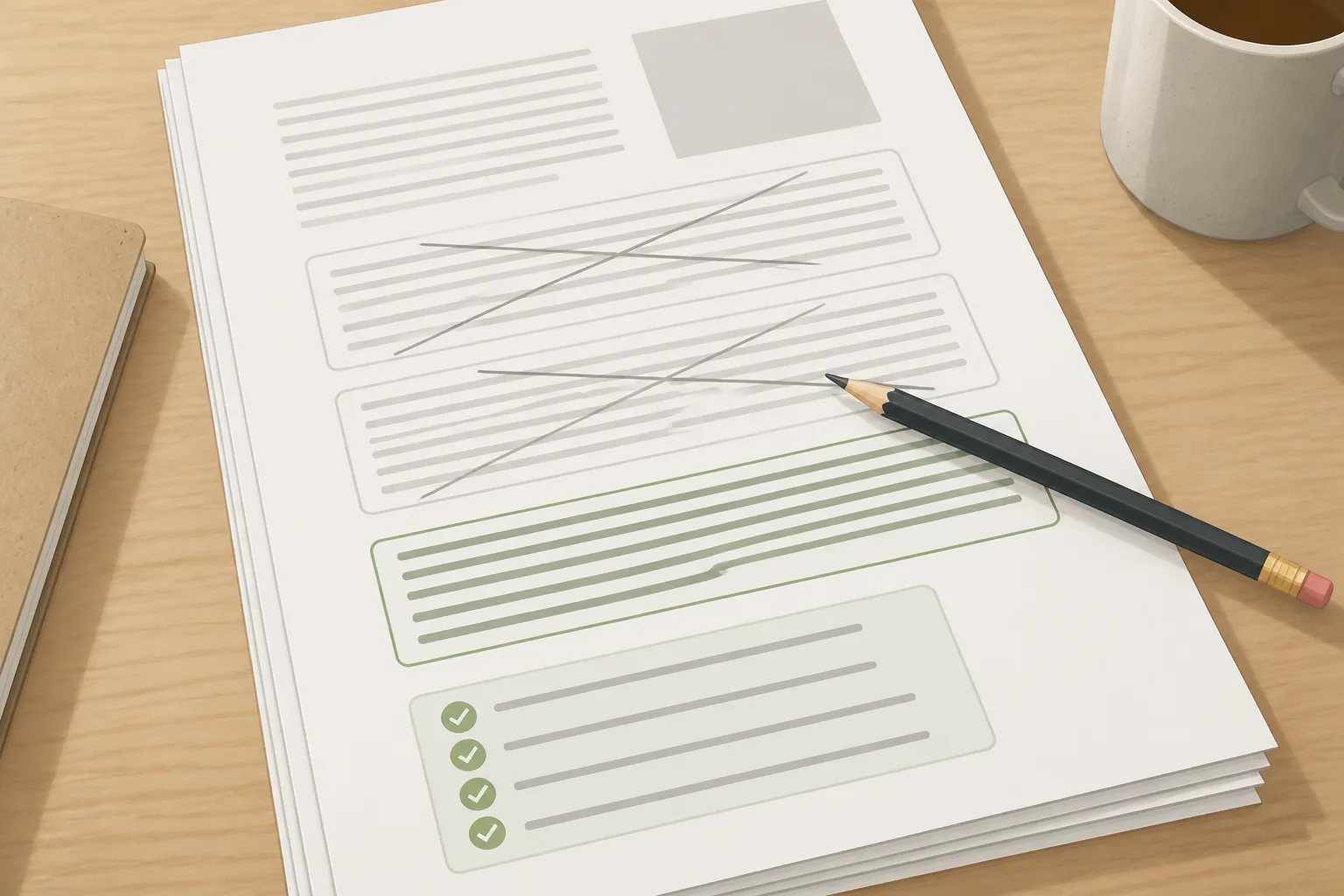
For each paragraph, ask: “What does a reader learn here that they did not learn in the previous section?” If the answer is unclear, combine it with the stronger paragraph or remove it.
Common forms of repetition
- Restating the title: An opening should answer the title’s question, not spend several sentences repeating it.
- Repeating a general benefit: If the article has already explained why preparation, maintenance, or comparison matters, move on to the practical details.
- Listing the same factor twice: A decision guide and a later checklist should not both repeat identical points unless the second format adds a different use.
- Repeating business information: One accurate, relevant mention is usually stronger than inserting the same service description into several sections.
- Rephrasing a conclusion: A conclusion should give a useful takeaway, not summarize every heading again.
Do not remove necessary context just because a topic appears more than once. A preparation guide, for example, may need to mention timing in both the opening and a step-by-step section. The first mention tells readers why timing matters; the second tells them what to do. That is progression, not repetition.
Remove background that delays the answer
Background is valuable only when it changes the reader’s understanding or next action. A short definition can orient someone who is new to a topic. A technical explanation may be necessary when it affects compatibility, upkeep, safety, cost, or the choice between options. But broad history and general industry commentary often delay the practical answer.
Try moving the opening answer to the first paragraph. Then read the material that came before it. If readers can understand the post without that material, delete it or move one essential sentence below the answer.
This edit also helps prevent a common mismatch: a title that promises a decision guide but an article that spends most of its length defining the industry. Readers should not need to reach the third or fourth section to learn whether the post applies to their situation.
Use a three-pass editing workflow
Trying to fix accuracy, structure, tone, and formatting in one read makes it easier to overlook weak sections. Separate passes give you a clearer editing decision each time.
Editing sequence
Three passes to shorten a draft without weakening it
Read the full draft once for each purpose rather than attempting every edit at the same time.
- Focus pass: Keep only sections that support the article's one reader task.
- Value pass: Combine repeated points and remove background that does not change the reader's decision or action.
- Clarity pass: Replace vague wording, shorten overloaded sentences, and confirm headings describe the sections below them.
After each pass, reread the title and opening together. They should set the same expectation. If cutting has changed the article’s focus, revise the title or restore the missing explanation rather than publishing a mismatch.
Keep details that help readers act
Shortening should not turn a useful post into a thin summary. Keep information that allows a reader to do something with the answer. Depending on the subject, that may include selection criteria, a short sequence of preparation steps, tradeoffs between options, common mistakes and their consequences, or questions to ask before committing.
Specific examples can be worth keeping when they show how a general rule applies. For instance, “consider timing” is vague. Explaining that a time-sensitive article should be reviewed close to publication because dates, availability language, or service details can change gives the reader a concrete reason and action.
By contrast, remove examples that merely make the same point again. One clear example is usually more useful than three similar scenarios.
When a post discusses your own business, the final review should be particularly careful. Check statements about services, products, locations, processes, prices, policies, availability, qualifications, results, and calls to action. General educational guidance can explain common considerations, but it should not become an unconfirmed promise about your business.
Accuracy boundary
Do not let a shorter draft hide an unverified claim
When condensing business content, never merge general guidance with a statement about your own services, prices, methods, policies, availability, or results unless that detail is confirmed and current.
Replace vague language with a direct answer
Vague wording often makes a draft longer because it forces the writer to circle around a point. Phrases such as “there are many things to consider” or “it depends on your needs” rarely help by themselves. Name what changes the answer instead.
For a comparison, identify the relevant goals, timing, budget considerations, upkeep, compatibility, or limitations. For a preparation post, state what readers should gather, check, clear, or decide beforehand. For a troubleshooting post, identify the signs that distinguish a routine issue from one that needs more information.
Direct wording also improves scanability. Headings such as “What changes the choice” or “What to check before publishing” give a reader more useful navigation than labels like “More information” or “Things to know.” If a heading cannot describe a distinct job, the section may not need to exist.
Make the final version easier to publish in WordPress
A shorter draft still needs a final presentation check. Confirm that the body uses a logical heading hierarchy, lists are genuinely useful, and links take readers to the intended pages. Review the title, slug, meta description, excerpt, image direction, and tags your site uses so they all describe the same focused article.
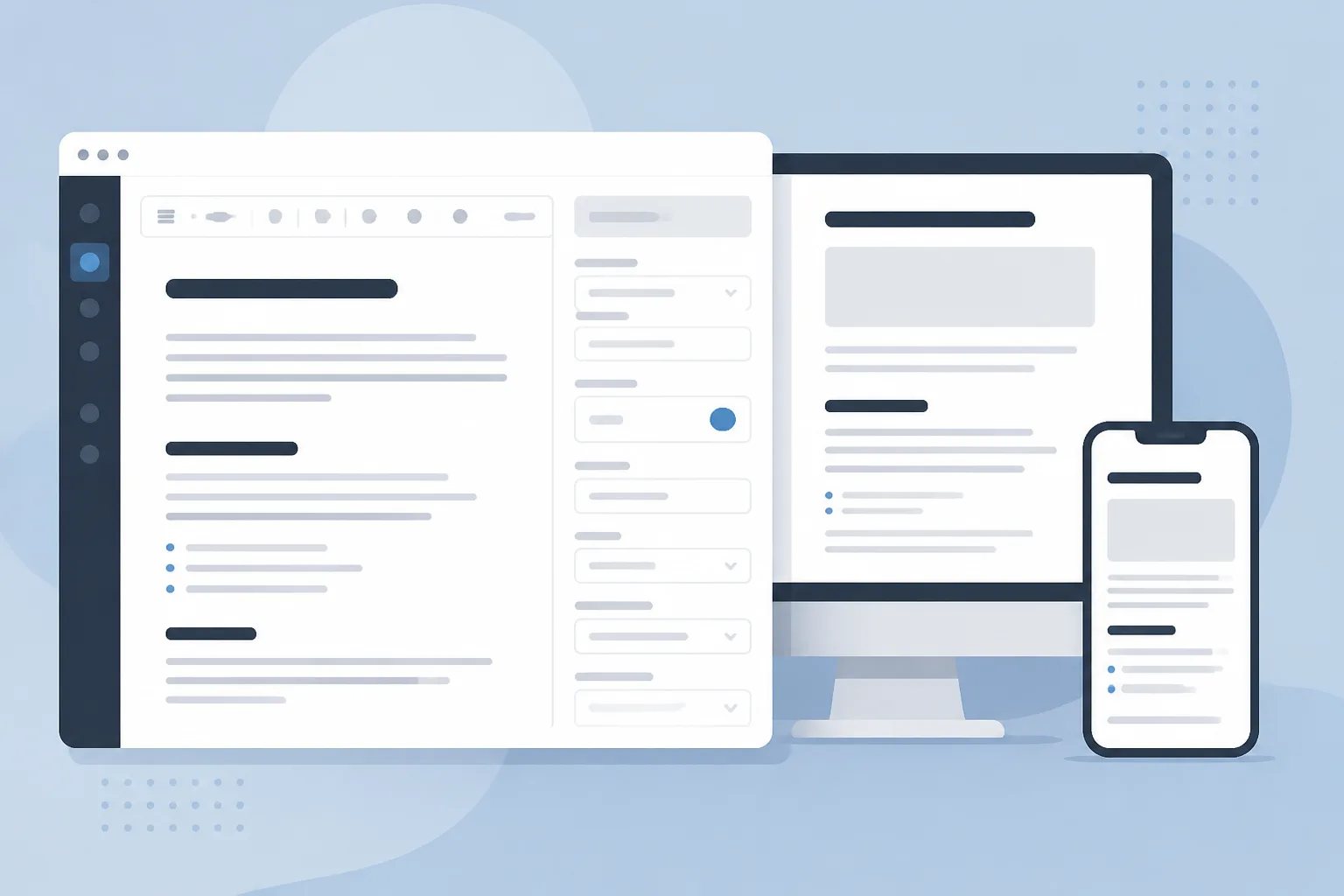
Our practical guide to WordPress-ready content covers the post-level details that often need attention beside the body copy. A preview in the WordPress editor is also worth doing because dense paragraphs, misplaced headings, and broken list formatting are easier to catch on the page than in a draft document.
At Gordon, we create structured article drafts using the business details, writing style, calls to action, and website context you provide. You remain in control of the final version. You can edit the draft, save it, schedule it, or publish it when it accurately represents your business and gives readers a complete answer.
A useful article is not measured by word count
The right length is the length required to answer one worthwhile question clearly. Keep the details that help readers understand and act. Cut the material that repeats the point, delays the answer, or sends the article into a different topic.
Once each section has a distinct purpose, a shorter post often feels more complete, not less. Readers can find the answer faster, and your final publishing review becomes more focused.
Helpful answers
Frequently Asked Questions
Create a focused, review-ready article draft
Turn a business topic into structured WordPress-ready content that you can refine before publishing.